Retour aux promos
Yaqeen Bank

Affaires

Gratuit

Yaqeen Bank

par Yaqeen Bank

v1.4 227 Mo Universel 17+

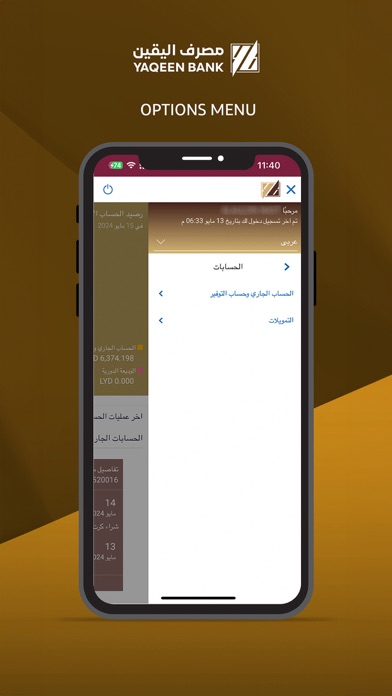
Captures d'écran

Description

Mobile banking is a service provided by Yaqeen Bank that allows our customers to conduct financial transactions remotely using a mobile device such as a smartphone or tablet.

How to Register?
In order to work Yaqeen Bank’s app on your iPhone/iPad, you will need the following:
• A Yaqeen Bank account.
• Visit nearby Branch to register with Yaqeen Digital Banking
• Internet access.
• Your Online Banking username and password.
Features of this app:
1. Two Factor Authentication.
2. Manage Payees.
5. Make Domestic, International, and Internal Transfers.
6. Check your account balance.
7. Access your account details.
8. Request Checkbook.
9. Set up and manage your standing orders.
10. Set up and manage your term deposits.
11. Review your loan accounts.
12. Password re-sets.
13. Statement request.
14. Demand Draft Request
Things you need to know,
1. Ensure you are using the most updated version of the app.
2. You will need to ensure you have registered your mobile number and Mail with the Bank as you will need this to receive your One Time Password (‘OTP’) to confirm Transactions done by the app.


Contact
If you have any issues with the Mobile Banking app installation process please don’t hesitate to contact us.
Email : info@ybank.ly

Nouveautés (v1.4)

*. Fixed various bugs to improve app stability and performance

*. Enhanced app icon for better visual clarity

*. Added a new module: LYPayment for seamless payment experiences

*. Introduced Card Management features to allow users to control and manage their cards

*. Applied important security updates to enhance user data protection.

*. Improved overall app performance and responsiveness