Description
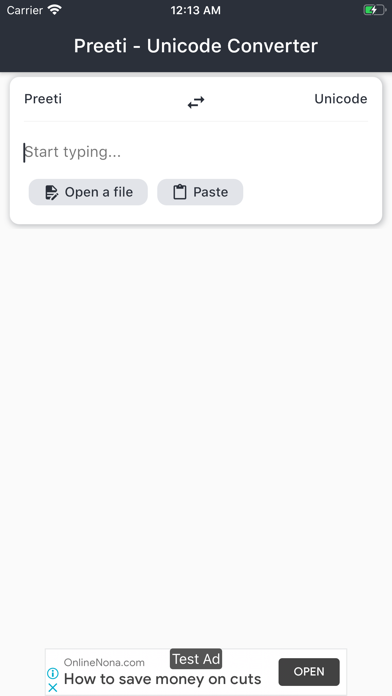
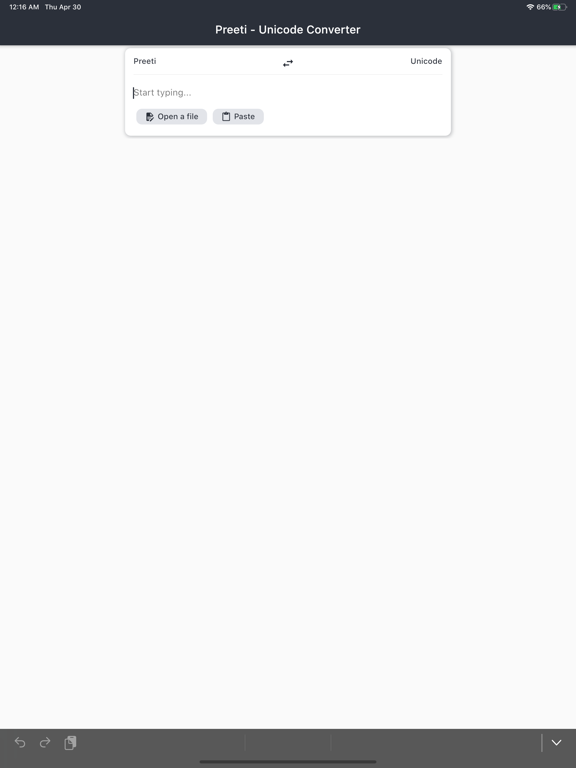
Lipi is the simplest way to convert Nepali text between Preeti font encoding and Unicode. Whether you're preparing documents, updating old files, or working across different systems — Lipi makes conversion effortless.
Key Features:
• Instant Conversion — Type or paste text and see results immediately. No buttons to tap.
• File Support — Convert entire documents: DOCX, PDF, CSV, Markdown, and plain text files.
• Smart History — All conversions are saved automatically. Access, copy, or re-edit anything you've converted before.
• Auto-Paste — Opens with your clipboard content ready to convert. Saves time when switching between apps.
• Beautiful Design — Clean, modern interface with dark mode and your choice of Devanagari fonts (Noto, Hind, Mukta).
• Fully Bilingual — Use the app in English or Nepali (नेपाली), with interface and fonts tailored to your preference.
• Free to Use — Supported by minimal, non-intrusive ads.
Perfect for students, government offices, publishers, and anyone working with Nepali text across different platforms.
Nouveautés (v3.0.0)
New Name, Same Trusted App — We're now Lipi (formerly Preeti Unicode). Same powerful conversion you love, with a fresh identity that celebrates Nepali language and script.
Beautiful New Look — Completely redesigned interface that's cleaner and easier to use, with a gorgeous dark mode option and your choice of beautiful Devanagari fonts.
Instant Conversion — Text now converts automatically as you type or paste — no need to tap a button. Plus, the app can automatically grab text from your clipboard when you open it.
Smarter History — All your conversions are now saved automatically. Revisit, copy, or edit past text and file conversions anytime from the new History tab.
File Conversion Made Easy — Convert entire documents (DOCX, PDF, CSV, text files) and download the results. Your converted files are saved in history for quick access later.