Retour aux promos
DroneDeploy Ground App

Affaires

Gratuit

DroneDeploy Ground App

par DroneDeploy

v2.268.0 375 Mo Universel 4+

Captures d'écran

Description

The DroneDeploy Ground app empowers businesses in construction, engineering, and other industrial sectors to efficiently document and manage ground-level data, providing a powerful complement to drone-based insights. DroneDeploy Ground is the next-generation ground capture app for project teams, including former StructionSite users.

Note: This app is intended for enterprise users with an active DroneDeploy license.

Simplify Ground-Level Data Capture in 3 Easy Steps:
1. Log in to your DroneDeploy account (trial or active license required).
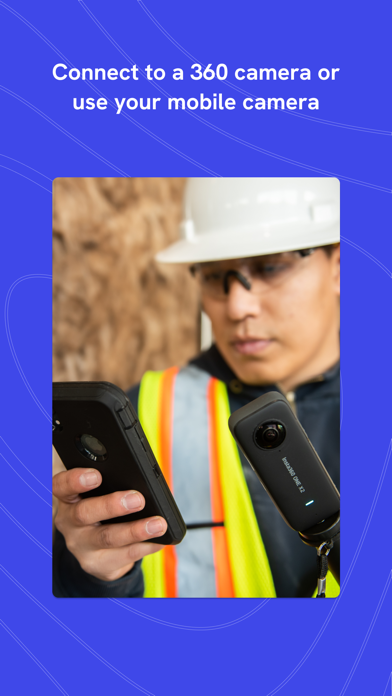
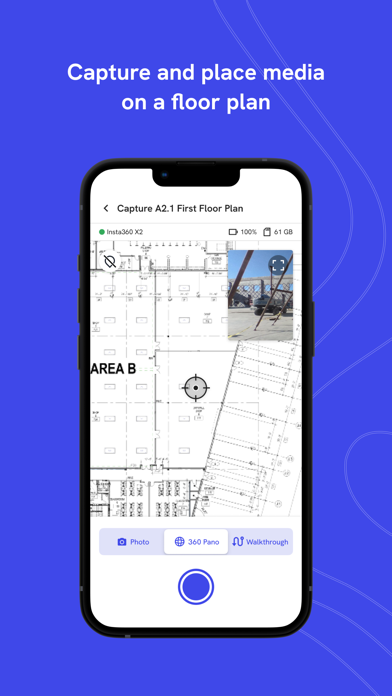
2. Connect your 360 camera to capture 360° panoramas and 360° Walkthroughs, or use your device's camera to capture standard photos.
3. Sync your captures to the DroneDeploy platform for processing, sharing, and analysis.

Once uploaded, your captures are processed and accessible through the DroneDeploy platform, where you can:
• Collaborate with your team and stakeholders.
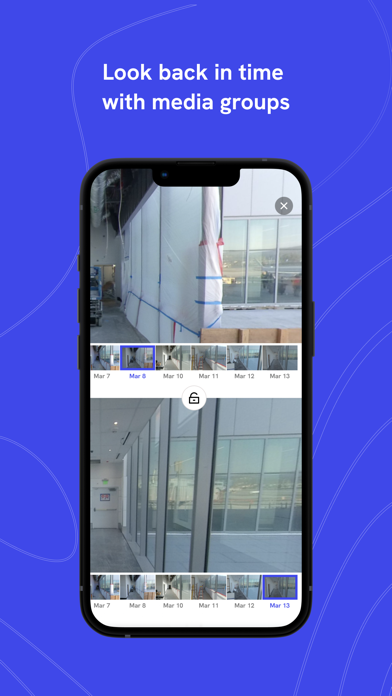
• Inspect, compare, and annotate project data over time.
• Integrate seamlessly with leading industry tools like Procore, Autodesk Build, and more.

Supported Hardware:

• Insta360 X5
• Insta360 X4
• Insta360 RS 1-inch
• Ricoh Theta X
• Ricoh Theta Z1

Visit our website for a complete list of supported hardware and to learn more about the DroneDeploy ecosystem.

For Business and Professional Use:
The DroneDeploy Ground app is a free companion tool for licensed DroneDeploy enterprise customers. A valid enterprise account is required for uploading and processing captures

Nouveautés (v2.268.0)

- 360 live preview is now on by default, so you can see exactly what the camera sees as you walk
- The App now stays awake during uploads so large syncs finish without interruption
- You'll now get a prompt to update firmware when connecting a Ricoh Theta camera
- You can now discover nearby Ricoh Theta cameras
- The app now checks for enough available storage before starting a 3D scan
- More reliable 360 live preview, including restoring correctly after full screen, after a walk ends, and hiding when the camera disconnects
- Fixed navigation issues with the back button and returning to Settings from camera connection
- Improved the stability of the project search field and the sync banner so they no longer flicker or re-animate during updates