Retour aux promos
Nautomate

Utilitaires

Gratuit

Nautomate

par Snailed It Development Ltd

v2.0.5 13 Mo Universel 4+

Captures d'écran

Description

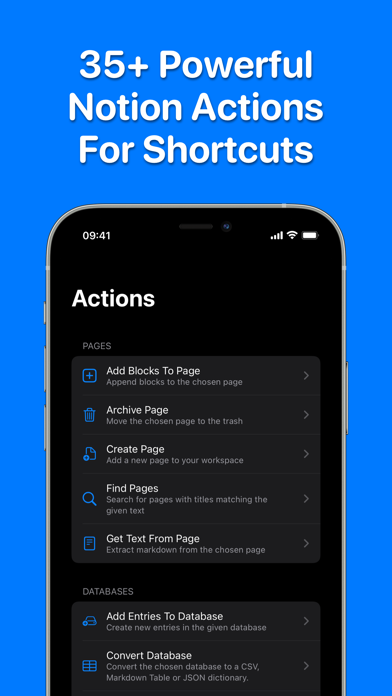
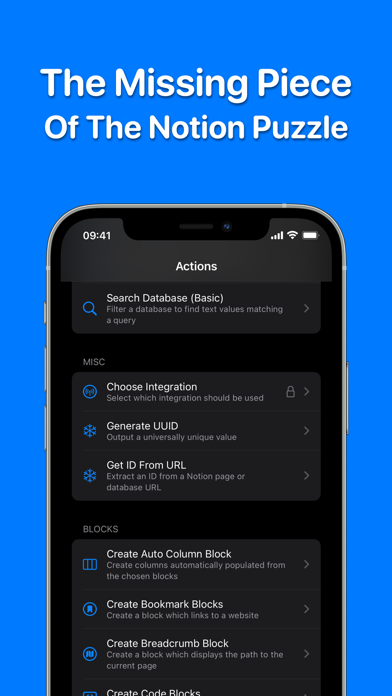
Nautomate adds 40+ native Notion actions to Shortcuts, giving you automation superpowers!

Fully automate your whole Notion world:
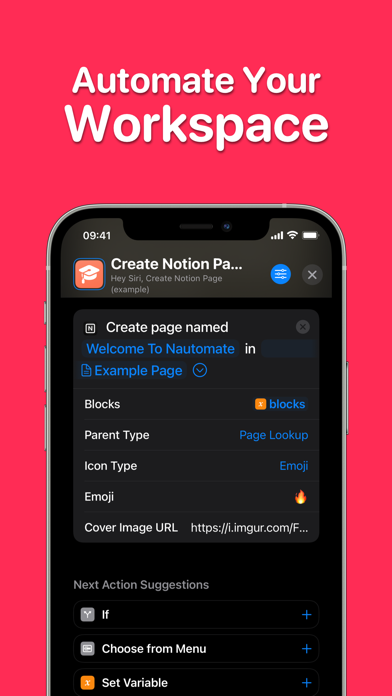
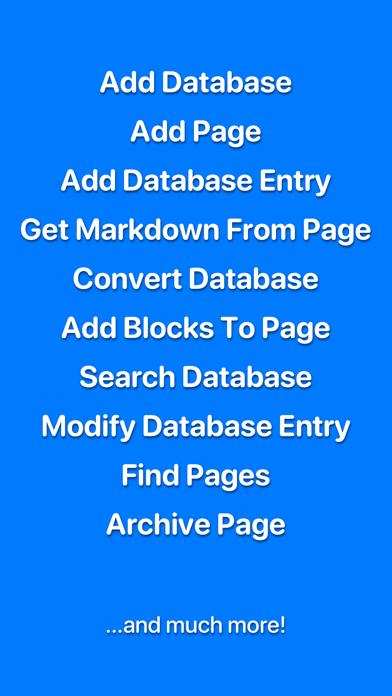
• Create pages with rich content blocks
• Create databases with custom properties
• Add to or modify values in a database
• Create powerful searches for databases
• Extract markdown from a page
• Convert a database to a CSV, Markdown Table or JSON Dictionary
• Supports connections to multiple workspaces

...and much more!

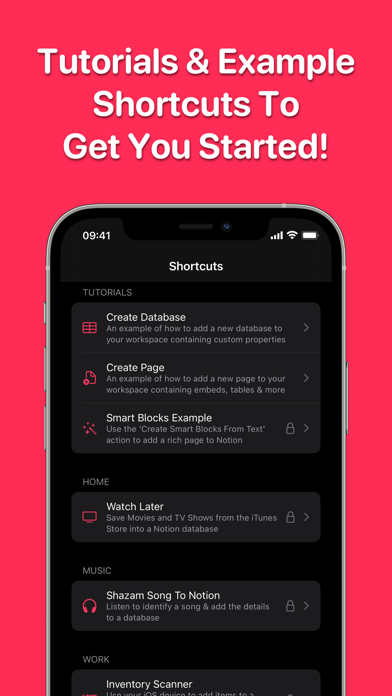
Each action includes a detailed description along with example shortcuts and tutorials to get you started.

More than half of the actions are completely FREE to use, forever.

Available on iOS, iPadOS & Mac. A single subscription unlocks everything across all devices and allows family sharing.

None of your Notion data is ever viewable by any third-parties.

---

Terms of Use: https://nautomate.app/terms
Privacy Policy: https://nautomate.app/privacy

Nouveautés (v2.0.5)

In 2.0.5:
- Fix issues with the newly-added "Icon" type
- Add Entries to Database will now ignore properties of type URL, Email, or Phone Number if they are blank

In 2.0.4:
- Update docs for Add Entry to Data Source and Modify Data Source Entry to describe handling Relation, Select, and Multi-Select Properties.
- Clearing a Date property using Modify Database Entry no longer requires only a single property to be updated.
- You can now clear a Select property using Modify Data Source Entry by including the key without a value.
- Fix errors when adding some text-based block types to a page.
- Fix Upload File not working with m4a files.

In 2.0.3:
- Files Uploads added to a property using the Add Entries to Data Source action now use the file name from the upload, rather than Notion's internal ID
- Modify Data Source Entry now support using uploaded files with File properties.

In 2.0.2:
- For some reason, Notion has started returning `null` as a value for Unique ID properties. This shouldn't happen, according to the docs, but it is happening so Nautomate now allows it.
- Get Text From Page now displays an explanation if an empty Page ID is provided as input, rather than just a 404 error
- Use the cache to improve performance of Modify Database Entry
- Use cache to improve performance most places we need to fetch a Data Source (hoping to reduce the chance of timeouts on data sources with a lot of properties)
- Fix rich text with colour of “default_background”
- Fix adding Text blocks to pages
- Fix processing pages that are placed inline inside a block in another page
- Fix actions no longer working on some older iOS versions
- Fix Find Pages not returning results where the "Title" property has been renamed

In 2.0.1:
- Fix options not being offered for Data Source parameter in Add Entries to Data Source, Convert Data Source, and Get Options From Select
- Fix error when decoding pages with "Created By" properties

In 2.0.0:
- You can now upload files to Notion via Nautomate. We've added Upload File and Find File Upload actions.
- Nautomate now fully supports Notion's "Data Source" update. All relevant actions now have a "Data Source" parameter that can be used for databases with multiple data sources.
- Nautomate now supports pages/databases that are using a workspace-wide "Custom Emoji" as their icon.
- Performance of the "Console" is substantially improved on iOS and macOS when you have a large number of entries.
- Fix images not appearing in tutorials for users in the UK.