Description
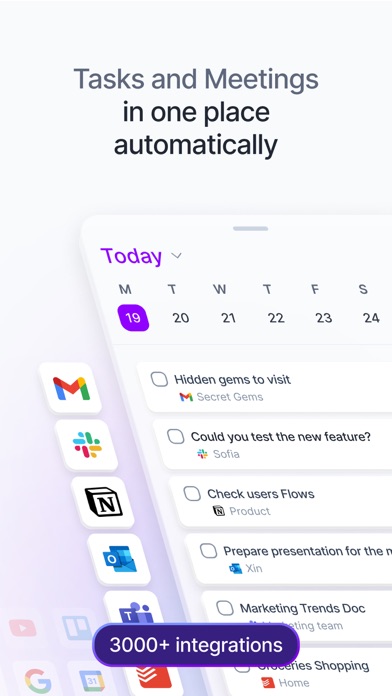
Akiflow is the ultimate all-in-one planner, combining your calendar, tasks, and agenda into a single AI-powered productivity tool. Stay organized, plan efficiently, and streamline your workflow—all from one powerful app.
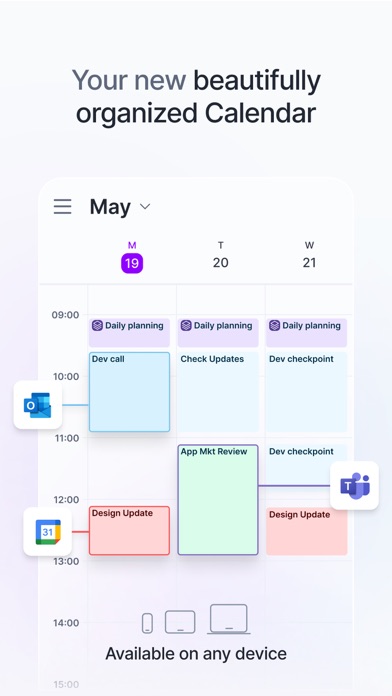
Available on all your devices – mobile and desktop. Stay in sync anywhere.
Key Features:
- Powerful Daily Planner & Organizer
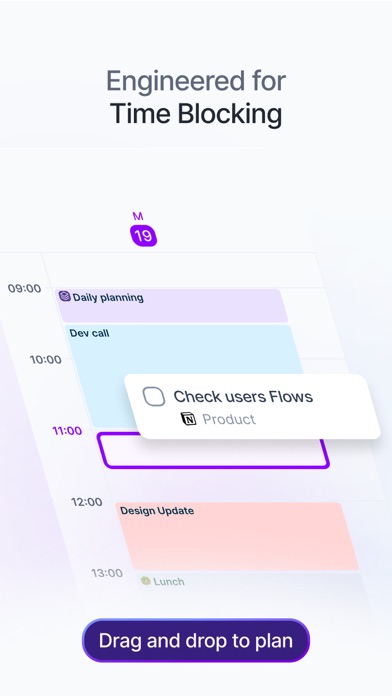
- Schedule your day effortlessly with an integrated calendar and task manager. Manage your agenda, meetings, and priorities in one place.
To-Do List & Task Management:
- Create, organize, and track your tasks. Set deadlines, reminders, and priorities to stay productive.
Unified Calendar & Schedule:
- Sync seamlessly with Google Calendar, Outlook, and more. See all your tasks and events in a single daily agenda.
All-in-One Productivity Solution:
- Unify to-do lists, scheduling, and calendar planning with AI-powered insights to optimize your workflow.
Connect 3,000+ Tools & Apps:
- Import tasks automatically from Trello, Slack, Gmail, and other productivity tools. No more switching between apps.
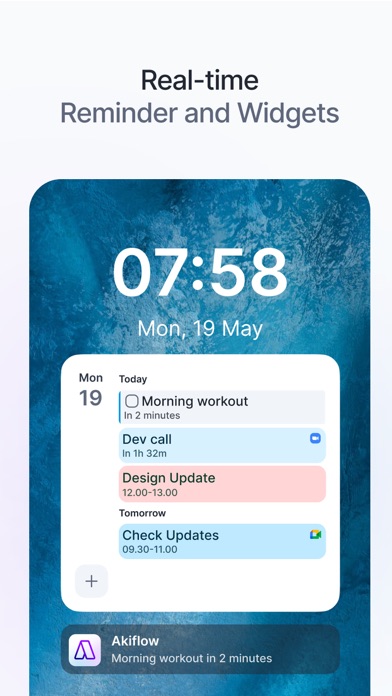
Smart Reminders & Alerts:
- Get notified about upcoming tasks, meetings, and deadlines—so you never miss a thing.
Sync Across All Your Devices:
- Use Akiflow on iOS, web and desktop with real-time syncing. Your schedule follows you everywhere.
Why Akiflow?
- AI-Powered Task Management – Smart organization for your day-to-day planning.
- All-in-One Planner – Manage tasks, calendar, and to-do lists in one app.
- Ultimate Productivity – Designed for efficiency, focus, and stress-free scheduling.
- Seamless Integrations – Connect your favorite apps and manage everything from one dashboard.
Terms of service: https://akiflow.com/terms-of-service
Nouveautés (v2.74.04+989)
Improvements
- Auto-lock behavior is now aligned across tasks and time slots
- Inactive chats are now excluded from the unread count
- Bottom sections UI has been refreshed
- Task modal bottom actions now use an updated background
- Keyboard now hides correctly when scrolling in chat list view
Bug Fixes
- Google Calendar import no longer shows an error during onboarding and loads correctly without requiring an app restart
- Logout no longer hangs on the loading icon or breaks account settings
- Calendar selection is now consistent between desktop and mobile
- Transcript modal now shows the correct date
- Background color on the chat page has been fixed
- Fixed an issue where chat and real-time updates could stop working until the app was restarted
- Cancelled or deleted events on iOS no longer trigger notifications
- Siri can now be enabled In-App after Permission Denied During Onboarding