Description
"Love this app!" ~ "Absolutely great!" ~ "Lets your imagination run wild!" ~ "I love creating books!"
- PicaBook cross-platform reviews from happy artists
Join thousands of creators globally in making exciting short stories and animations all inside one app!
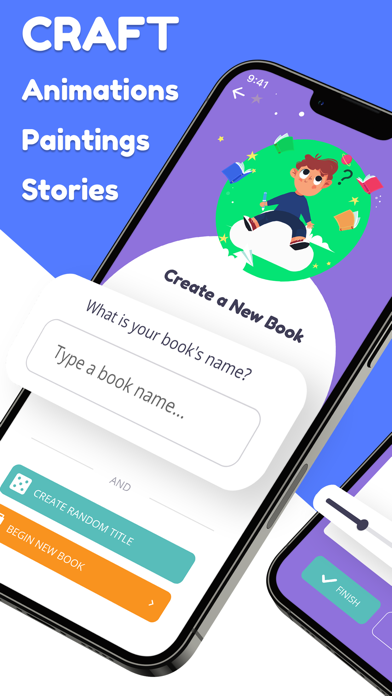
We offer a simple editor that allows you to combine text, sounds, and drawings into a multi-page booklet, which you can share with anyone.
When to use PicaBook?
- Create endless stories about your original characters, voice over their speech, or add speech bubbles
- Design digital celebration cards with music and send direct links to family and friends who can open your creation on any device
- Zoom in to add page sections, fill each one with details as if creating a comic book
- Photo dump a trip into a multi-page collage, store it as a keepsake on your device
- Animate ideas on the spot with tools optimized for fast iteration and exploration
- Come back later to any book inside your expanding library, record funny memories and events to remember later
- Find inspiration and ideas in the book hub, where countless authors share their own stories and animations
Who should use PicaBook?
- Children can learn the basics of drawing and storytelling with an essential set of tools to create and print their own books
- Parents can design stories for their kids to rewatch many times. Built-in auto-play helps to play back the books hands-free when needed
- Animators can explore the basics of making a moving sketch by controlling the speed and direction of playback
- Authors and artists can search through thousands of creations for new ideas or gain a following by publishing their work
- Educators can create book design assignments or send informational slides to the class to revisit at home
How can I share my work with PicaBook?
- Generate a link to any of your books or stories, send it to anyone so they can view it on their computer or phone without downloading the app
- Print your book onto paper by creating a pdf, great for storing something physically or giving away gifts
- Publish to the book hub for views, ratings, and feedback from the PicaBook community, join hundreds of other content creators in starting a following
What kind of content can I add to my pages?
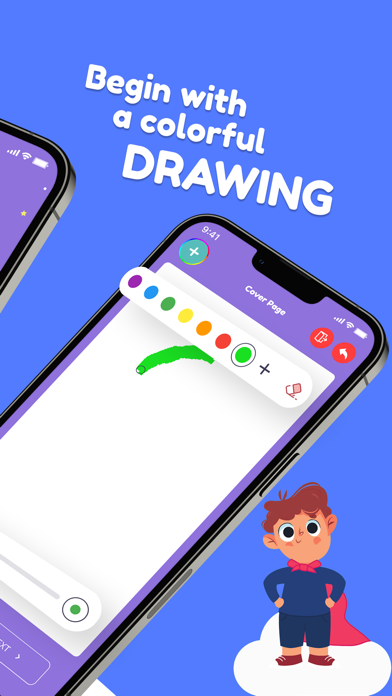
- Paintbrush Drawings: Quickly begin doodling images with highly intuitive, simplified drawing controls suitable for all ages
- Audio Recording: Record a sound clip for a funny sound effect or voice caption of what is on the page
- Text Boxes: Customize font, size, and position of text to add speech bubbles, narration, explanations, and more
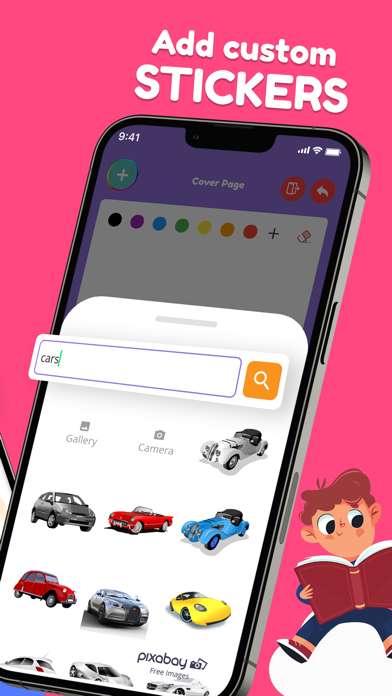
- Sticker Images: Bring in a camera snapshot or search through free illustrations to enhance and decorate your pages
- Background Music: Captivate your audience with a matching musical theme that is copyright-free
We hope you will have fun with this exciting new way learn, create, and connect! If you do, don't forget to give us a rating, so others can join too :)
Privacy Policy: https://myfortuna.app/privacy-policy/picabook/
Terms of Service: https://www.apple.com/legal/internet-services/itunes/dev/stdeula/
Nouveautés (v4.3.1)
- Stability and performance improvements
- Fixed bugs while zooming in and lasso tool