Description
Your learning, anywhere.
Stay connected to your courses with the official Canvas app for learners. Whether you’re in class, commuting, or offline, Canvas helps you stay organized and engaged.
Note for instructors: For teaching and grading features, use the Canvas Teacher app.
What you can do
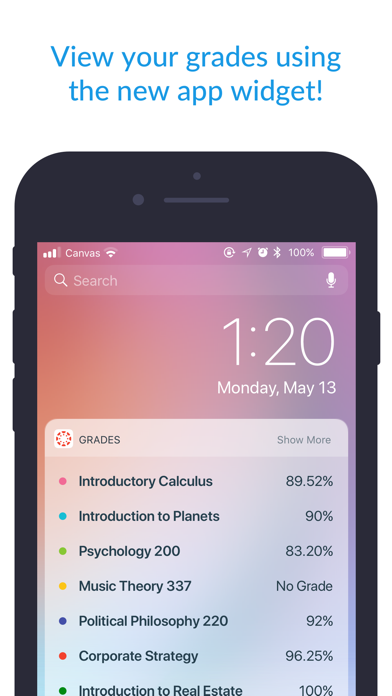
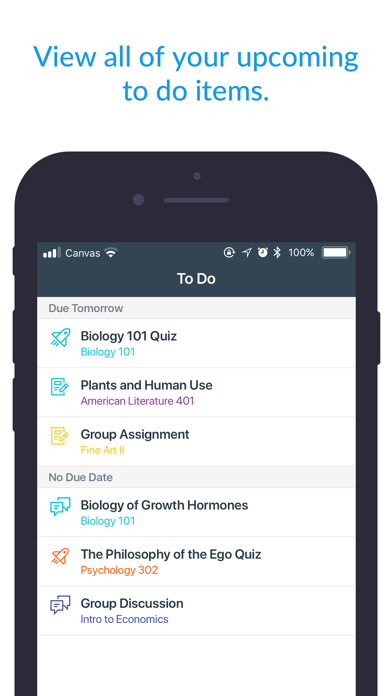
• Organize: View grades, track assignments, homework, and schoolwork; get reminders, push notifications and add customizable widgets for quick access
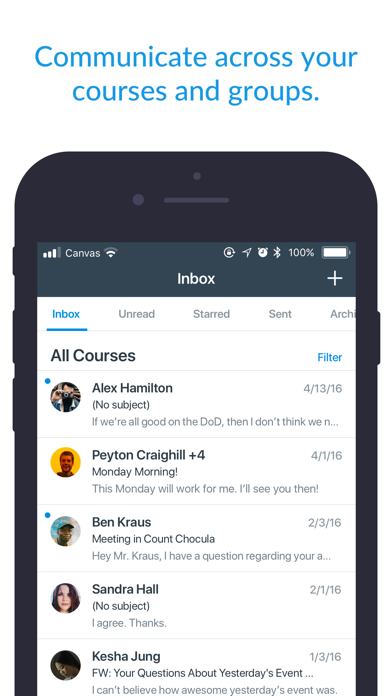
• Engage: Send messages, join class discussions and collaborate with classmates in real time
• Learn: Submit assignments, PDFs, docs, and media files for teachers to annotate in SpeedGrader, take quizzes, and watch videos on the go
• Offline: Download full courses and keep studying even without internet
• Integration & inclusivity: Use integrated classroom tools (LTIs), enjoy dark mode, and rely on built-in accessibility for everyone (VPAT 2.2 compliant)
• Lifelong learning: Support for continuous learning, career-focused skill based learning programs, and AI-powered learning experience via Career experience
Trusted by over 40 million learners worldwide.
Nouveautés (v8.10.0)
- Discontinued support for iOS 17.
- Added support for prompting users when a required app update is available.
- Added support for MDM logins to the New Canvas Login UI.
- Increased security for data protection.
- Updated privacy settings in applicable regions.
- Studio videos in course modules can now be synced for offline mode.
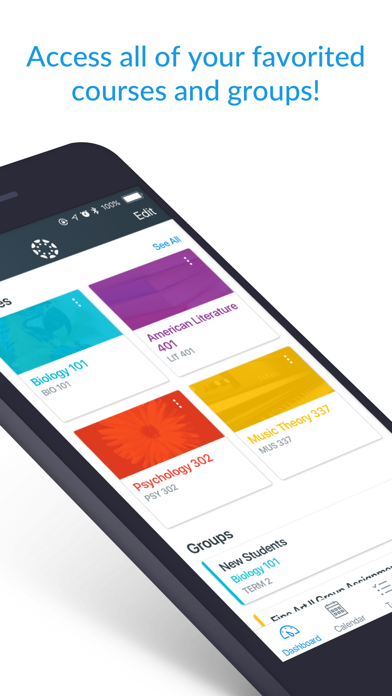
- Improved Learner Dashboard's Courses & Groups widget.
- Improved accessibility on the Learner Dashboard.
- Improved file picker UI.
- Enhanced course Offline sync failure reporting for embedded media content.
- Fixed embedded rich content showing the login screen after reconnecting from offline mode.
- Fixed inconsistent grades appearing on Dashboard.
- Fixed a bug about email link formatting.
- Career - IgniteAI is replaced with Study tools