Description
Make manga from a single sentence.
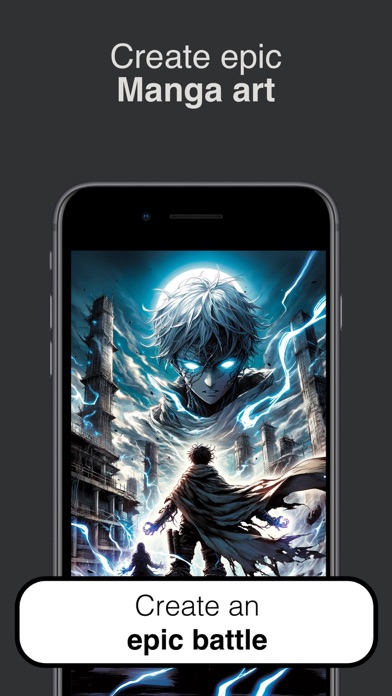
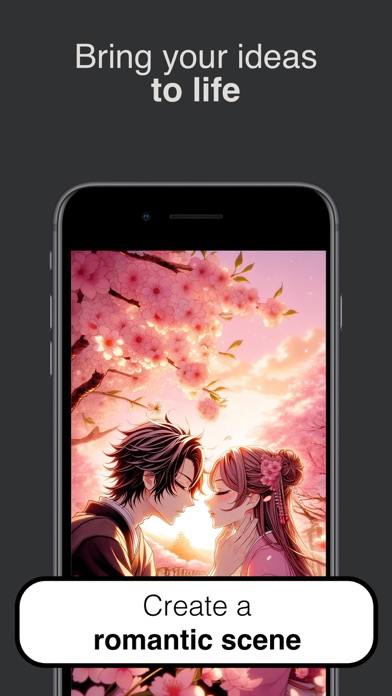
Manga Art turns plain English into a finished, fully-inked manga panel. Type what you want to see — "a lone samurai under cherry blossoms," "a mecha pilot rising from a wrecked cockpit," "a shy classroom confession" — pick a style, and tap Draw. The page fills in for you.
Made for everyone — fans who can't draw a stick figure, writers who need cover art for a serial, hobbyists who want a 60-second sketch to share, and longtime artists looking for fast moodboards.
— TWELVE DISTINCT MANGA STYLES —
• Default — clean, classic black ink
• Shonen — dynamic action lines, bold posing
• Shojo — soft shading, sparkles, expressive eyes
• Seinen — gritty mature line work
• Chibi — super-deformed, cute proportions
• Mecha — intricate robots, cross-hatching
• Full Color — modern smooth digital shading
• Ink Brush — sumi-e calligraphy strokes
• Watercolor — pastoral, soft hand-painted feel
• Cyberpunk — neon-lit, dense urban detail
• Horror — fine-line dread and atmosphere
• Slice of Life — gentle screentones, quiet moments
Each style has a sample preview right in the picker so you know what you're getting before you spend a credit.
— THREE SIMPLE TABS —
DISCOVER · A live feed of new panels from the community. Search by keyword to find inspiration.
CREATE · Your studio. One prompt, one style, one tap.
LIBRARY · Every piece you've made, in one place. Save, re-share, or re-open any time.
— HOW IT WORKS —
1. Open Create.
2. Pick a style from the gallery.
3. Type your scene.
4. Tap Draw.
Your panel is rendered using state-of-the-art image generation, saved to your private Library, and ready to save to Photos or share — straight from the preview.
Nouveautés (v1.0.2)
Bug fixes.