Description
DS Cloud is an all-in-one NAS management tool that integrates video, music, and file management.
Now supporting Synology and Emby.
Features of DS Cloud include:
1. Video Functionality:
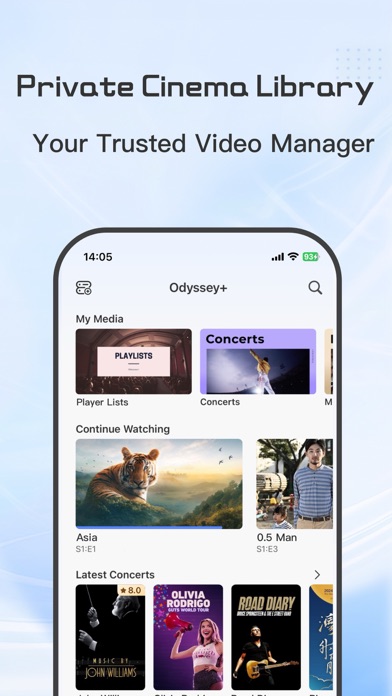
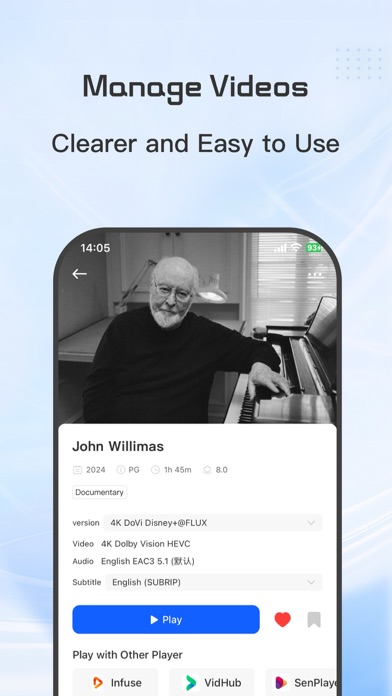
- Wide-ranging video format support: DS Cloud can play various video formats, including .mkv, .avi, .mp4, .mov, .rmvb, .wmv, and more, providing a diverse viewing experience within one player.
- High-quality video playback: Supports HD, 4K, HDR, and other video formats for optimal viewing.
- Subtitle support: DS Cloud supports embedded and multiple external subtitle formats such as SRT, SSA, SUB, with subtitle adjustment options for the best viewing experience.
- Picture-in-picture support: Allows users to browse other apps while watching videos with DS Cloud.
2. Audio Functionality:
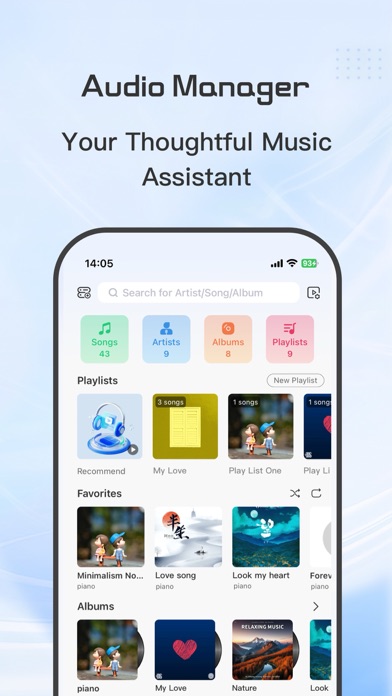
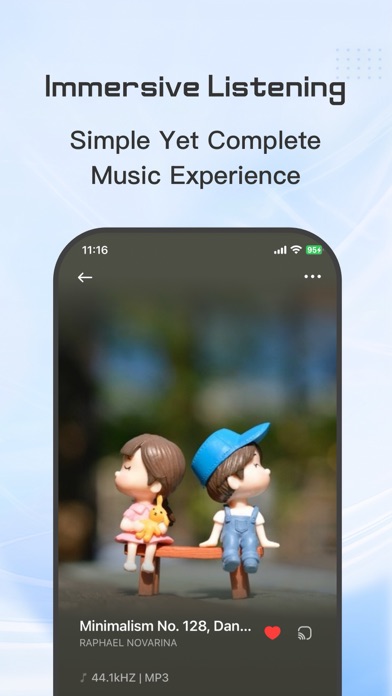
- Supports mainstream and lossless audio formats, including FLAC, MP3, WMA, APE, OGG, AAC, DTS, PCM, WAV, etc.
- Displays music lyrics and cover art for a visually pleasing music library.
- Manages playlists and individual songs.
- Supports transcoding playback and playback of original audio formats.
3. File Management Functionality:
- Quickly browse and view file contents.
- Easily manage files with clear identification of various file formats, serving as a bridge between NAS and mobile devices.
Thank you for using DS Cloud. Your feedback is valuable to us. Please contact us at 564095922@qq.com if you encounter any issues.
For more information, please refer to:
"Terms of Service": https://miaomiaolock.com/terms-of-use
"Privacy Policy": https://miaomiaolock.com/dscloudprivate
Nouveautés (v2.4.3)
Update Summary
New Features
1. Added hot comments on the playback page
2. Added current episode display on the playback page
3. Added multi-version video selection on the playback page
4. Added custom Siri Shortcuts (Path: Me - Audio Settings - Siri Settings)
5. Added Siri support for Emby, AudioStation, and Navidrome on mobile and CarPlay
6. Added support for specifying paths in Audiobookshelf
7. Added options for home page refresh and video poster toggle
8. Added Synology notification count display (iOS 26 supported)
Improvements
1. Improved multi-version video display logic
2. Improved quick navigation UI on the detail page
3. Optimized animations for iOS 26
4. Improved Synology quick access with network icon display
5. Added “Play Next” support for music playback
Bug Fixes
1. Fixed an issue where images might not appear in Recently Watched
2. Fixed incorrect time association when switching servers on the video detail page
3. Fixed subtitle options display issue when playing the next episode
4. Fixed video playback speed issues
5. Fixed search issues
6. Fixed an issue where custom icons were not displayed
7. Fixed an issue where actors were not shown for episodes
8. Fixed memory issues in the player
9. Fixed various crashes to improve stability
10. Added support for millisecond-based lyrics