Description
Animated GIFs are a critical pillar of modern human communication, but who wants to open a browser, find a website, search, tap and hold, copy, switch back, and hope the GIF pastes the right way? By then the moment has passed, the joke is dead, and what was the point of any of this, really?
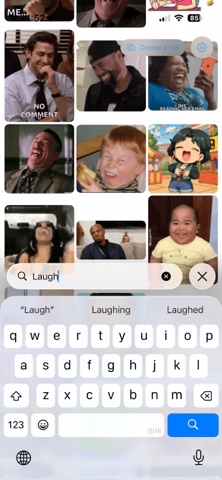
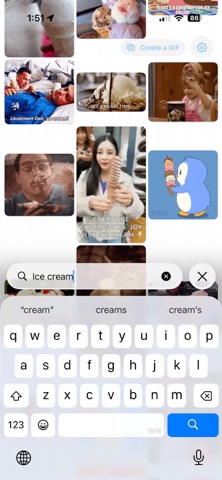
Open Gnome. Type in your search — Weird Al, hooray, eyebrow raise — and a grid of GIFs appears. Tap the one you want. It’s now on your clipboard. Paste it wherever you were typing. Joke saved. World improved.
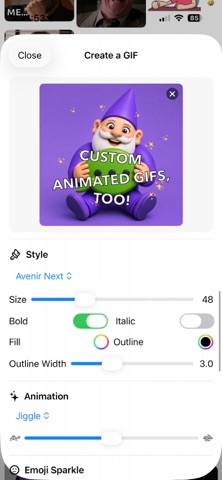
There's also a custom GIF creator, for when you can't find the perfect GIF: Make one instead! Choose your image, your text, some emojis for sparkle, the perfect font, and you're on your way. And of course there’s a Messages app integration, too, so you can send GIFs with Gnome directly from the Messages app.
That’s really the whole app. It does exactly that, and it gets out of the way. No account. No sign-in. No newsletter. Just GIFs, faster.
Why is it called Gnome? Because that's how I pronounce the "G" in "GIF."
Nouveautés (v1.19)
The GIF Creator lets you — surprisingly enough — create GIFs. But until now, it always required that any text you applied to your new custom GIF be animated, too.
That's no longer the case. Now you can add text that stays rigorously still, like me when I see a bear in my driveway. That way, you can apply your text to an existing GIF or a Live Photo and keep the text stationary while everything else moves.