Description
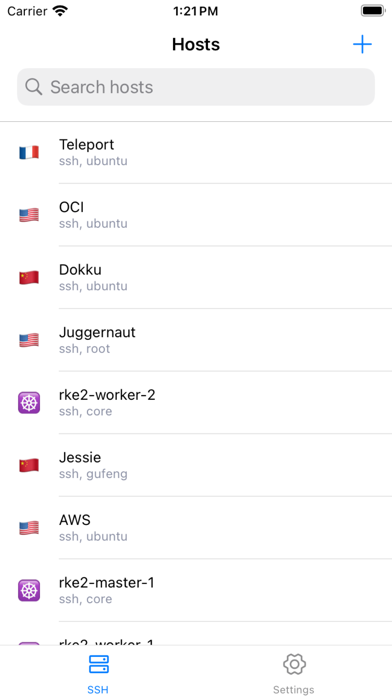
Tempest is the SSH client built for people who actually manage servers.
Connect via SSH, SFTP, or Mosh. Forward ports. Transfer files. Manage Kubernetes clusters. Collaborate in real-time. All from your phone, tablet, or Mac — with end-to-end encrypted cloud sync across every device.
CORE FEATURES
• SSH & Mosh — Reliable connections, even on flaky networks. Mosh keeps your session alive where SSH drops.
• SFTP File Manager — Browse, edit, and transfer remote files with a native file manager experience.
• Port Forwarding — Set up local and remote SSH tunnels in seconds.
• Storm AI (Pro) — An AI agent that plans, executes, and completes terminal tasks for you. Not a chatbot — a copilot that actually runs commands.
• Real-Time Collaboration — Invite teammates into your live terminal session. Debug together, resolve faster.
• Kubernetes — Sync kubeconfigs, switch clusters, manage pods with AI-assisted workflows.
• Post-Quantum Cryptography — One-tap switch to PQC key exchange. Protect your connections against future quantum threats today.
• Connection Multiplexing — Reuse TCP connections. New sessions open instantly as additional channels.
• Hardware Security Keys — FIDO2 / YubiKey authentication via ed25519-sk and ecdsa-sk.
• 1Password Integration — Pull credentials directly from your vault.
SECURITY FIRST
Zero-knowledge architecture. Your data is end-to-end encrypted before it ever leaves your device. Encryption keys stay on your device — we never see them. Encryption is fully open-sourced for transparency.
SYNC EVERYTHING
Sessions, keys, snippets, and configurations sync across major OS. Pick up exactly where you left off.
PRO UNLOCKS
• Background connection persistence
• Biometric app lock
• Server performance monitoring dashboard
• Full Storm AI access
• Cloud sync
---
Tempest is built by engineers, for engineers.
Questions? Join us on Discord: discord.gg/6BWkmjAhtb
Nouveautés (v3.10.0)
v3.10.0
New Features
Collaborative Sessions — Invite teammates to join your terminal session in real time. Share a link to let others connect, observe, or participate in your SSH session with end-to-end encryption.
Session Chat & Members — Chat with collaborators and see who's connected, right from the session screen.
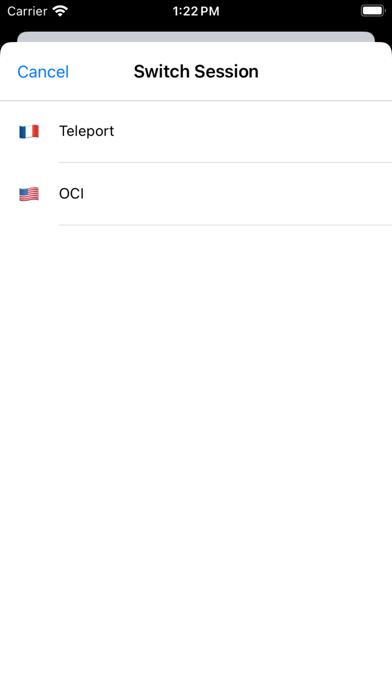
Remote Sessions List — View all active sessions across your desktop devices in one place, with tab title and hostname shown for each.
Diagnostics Viewer — Per-session log files with message filtering and a one-tap export flow, accessible from Settings → Diagnostics.
Improvements
Improved terminal text selection menu positioning.
Cryptography now runs entirely through the native Rust engine for better performance and reliability.
Fixes
Zmodem file transfers now reliably show the Save-As dialog; iOS shows a preview.
Fixed a crash that could occur during native SSH operations.