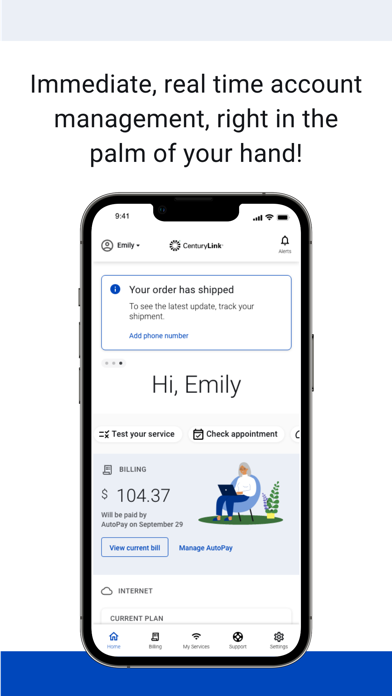
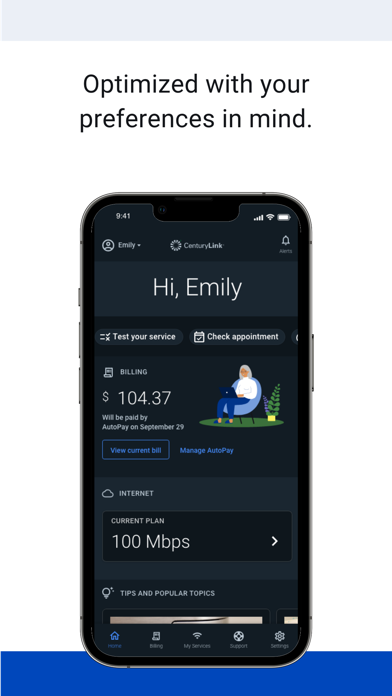
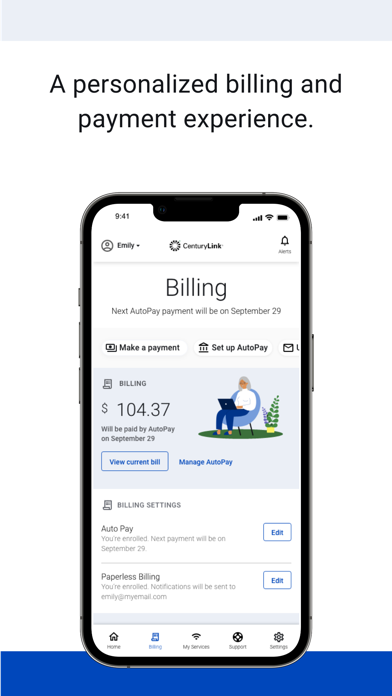
The My CenturyLink app brings management of your account and services into one easy place.
You can use the app to:
• Connect your new service quickly with modem self-install.
• View and manage your bill payment with convenience and ease.
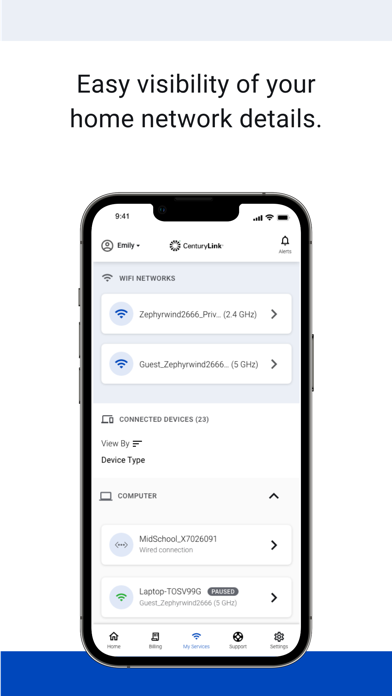
• Check your services, upgrade your Internet speed (if available in your area).
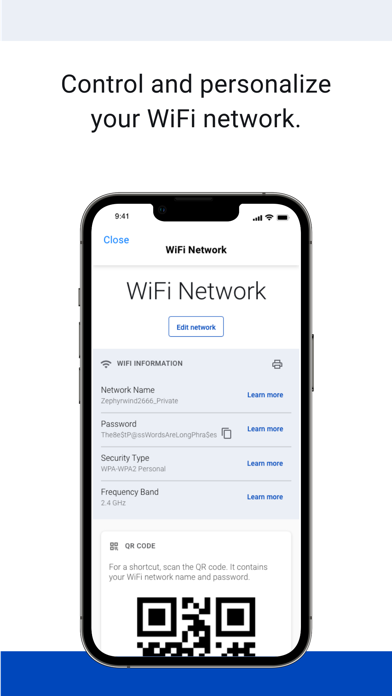
• Manage your settings.
• Visit Support to troubleshoot or optimize your service through self-help tools and videos.
• Get personalized alerts, so you can see the status of your order, or find out if there is an interruption to your Internet service.
• Plus, so much more.
Additional features for our Secure WiFi customers (Secure WiFi is available on compatible modems leased from CenturyLink):
• Parental controls to guard against inappropriate web content.
• Pause and resume internet access of devices on our WiFi.
• Schedule online and offline times for devices and users.
Learn more about Secure WiFi by visiting https://centurylink.com/home/help/internet/secure-wifi
We're here to help! You can get in touch via http://www.centurylink.com/contact
What's new (v5.5.5)
With each new release, we are always resolving bugs and working on improvements to the visual design. This version includes:
• Minor updates and stability fixes.
As always, we're here to help! If you've encountered a problem, want to provide feedback, or require support, you can get in touch via https://www.centurylink.com/contact or on Twitter @CenturyLinkHelp