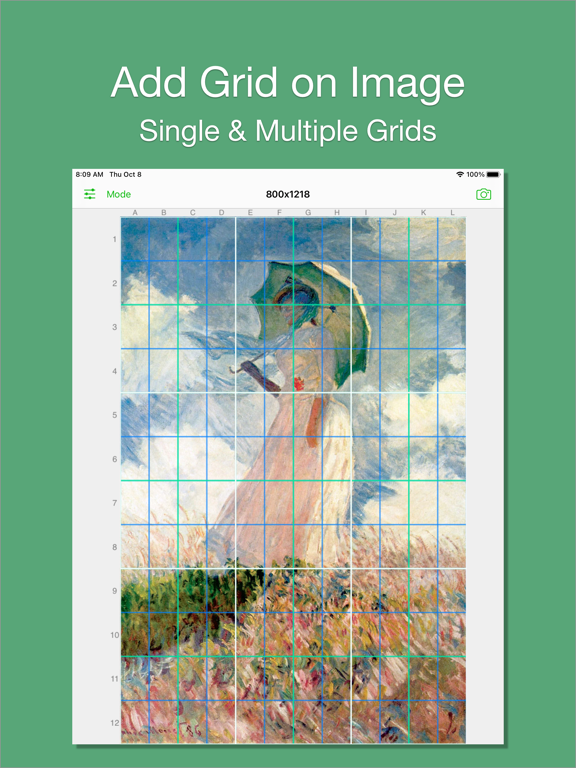
I believe there are always some people in this world who want to add grids to images, just like me. That's why I developed Grid#. Hope it helps.
Features:
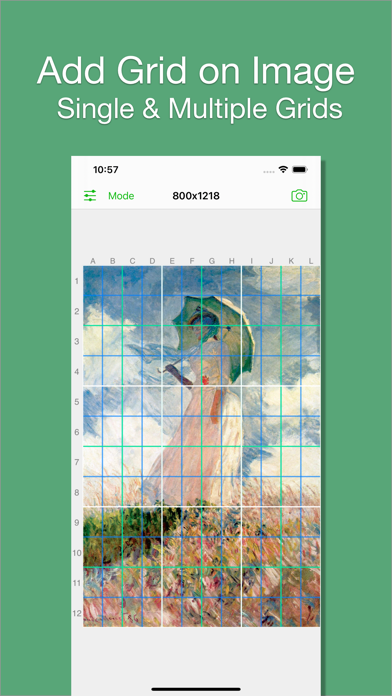
1. Add grid on image.
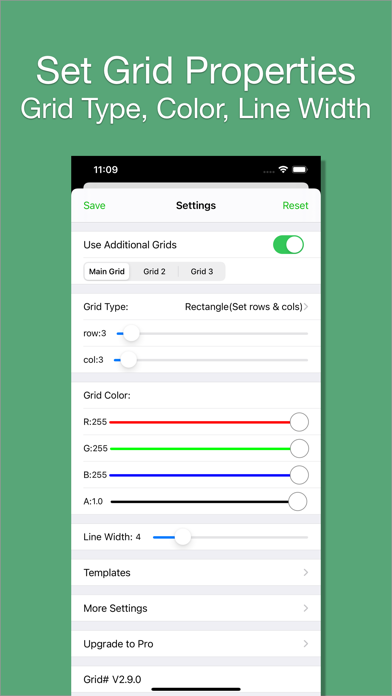
2. There are 5 types of grids you can choose:
- a. Rectangle(Set rows & cols)
- b. Square(Set rows only)
- c. Square(Set cols only)
- d. Rectangle(Set row height & col width)
- e. Square(Set row height only)[pro feature]
3. The lines can be colourful. Use whatever RGB color you like. You can change lines' transparency.
4. You can change line width (from 1 to 20).
5. You can add multiple grids(at most 3) on the image.
[grid 3 is pro feature]
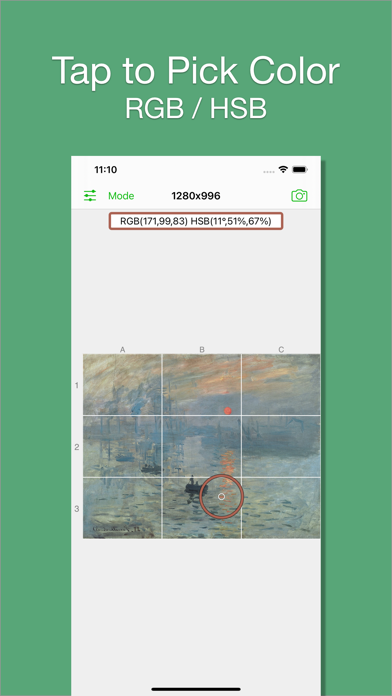
6. You can pick colors from image.
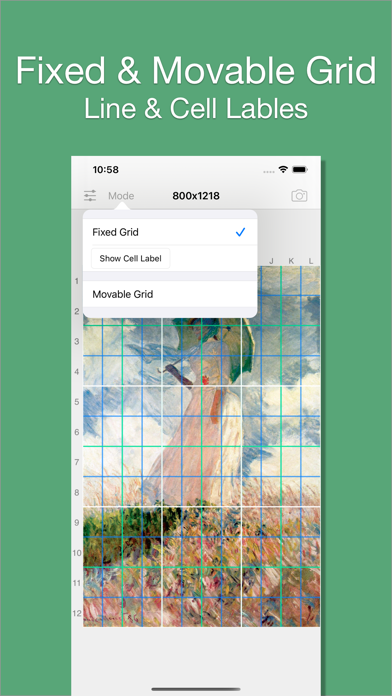
7. There are 2 modes:
- a. Fixed Grid: Grid cannot be moved nor be rotated.
- b. Movable Grid[pro feature]: Grid can be move, or be rotated (Move two fingers around each other to rotate the grid)
What's new (v2.11.0)
1. Support for diagonal line.
2. Support for picking images from Files.
3. Minor UI update.