Description
Contacts Multi Remove is a focused contacts management utility that lets you quickly select and erase multiple entries at once while keeping your data protected.
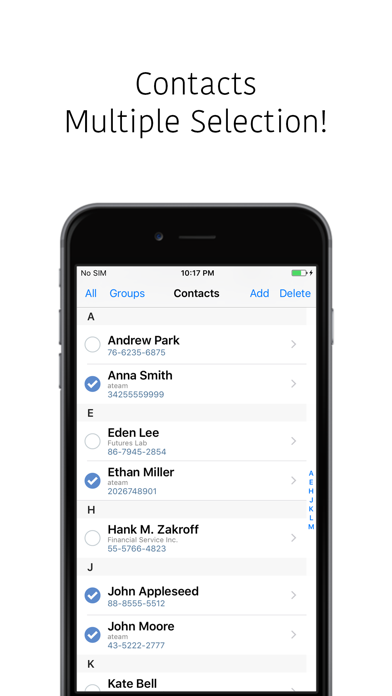
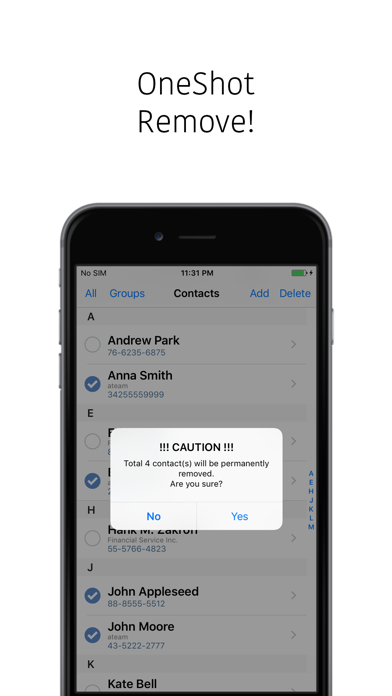
Bulk Select And Remove
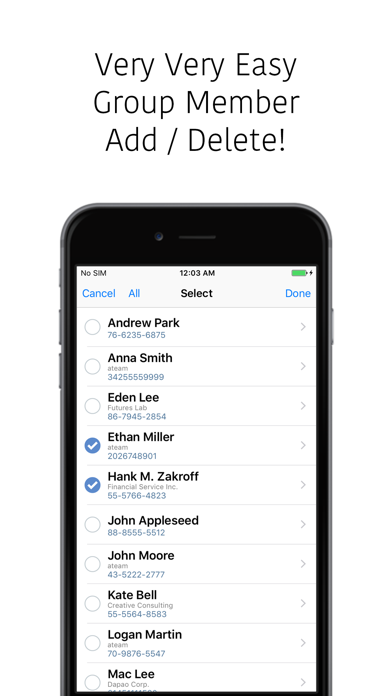
• Select many contacts in one pass
• Erase unwanted entries in seconds
• Clean old address details from your device
Backup, Trash, And Restore
• Save erased records to a local vCard trash
• Export contact sets as vCard backup files
• Restore single or multiple records from Backup And Restore
Group And Duplicate Cleanup
• Scan for duplicate contact records
• Merge or erase duplicate entries
• Detect and clear empty contacts and junk records
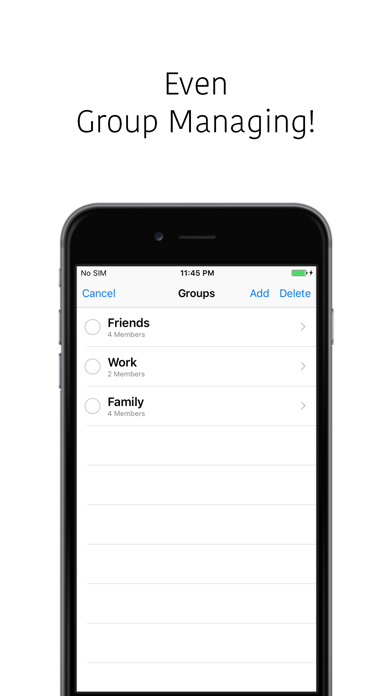
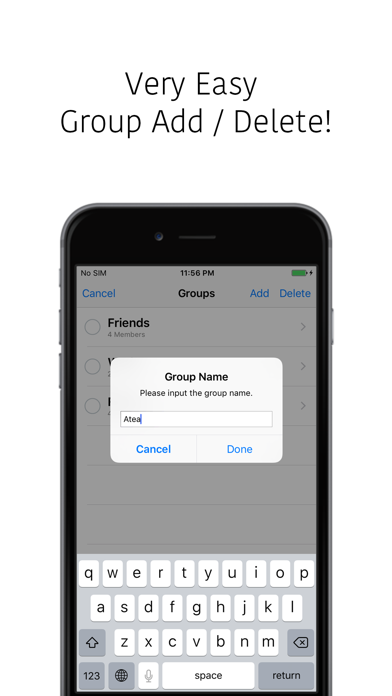
• Organize contacts into groups for faster cleanup
Safe Management Workflow
• Review items in trash before final erase
• Keep a backup history for important numbers
• Avoid losing phonebook data during cleanup
Designed For Everyday Use
• Built for general users who need clear, direct control
• Fast navigation for large address lists
• Works as a precise contact organizer and eraser
Use this utility when you migrate phones, tidy your phonebook, clear old work numbers, or prepare a clean address list for sync and storage.
Download Contacts Multi Remove to control, clean, back up, and restore your contacts with confidence.
What's new (v2.2)
[2.2]
- Improved ad loading stability.
- Fixed an issue where ads might not appear correctly in some environments.
[2.1]
- Backup & Restore added: Deleted contacts can now be kept in local backup storage inside the app, and selected items can be restored back to Contacts when needed.
- Backups you no longer need can be permanently deleted from the app.
- Backup retention settings: Choose a retention period by date, or keep backups until you delete them manually. Existing backups keep the retention policy that was applied when they were created.
- Limitations notice: The app explains that, due to Apple Contacts permission policies, contact notes may be excluded from backups on some devices.
- Labs — Duplicate Contact Merge (Beta): Find and group contacts that are likely duplicates based on phone numbers and other details, choose the contact to keep, and safely clean up items marked for deletion through the backup and restore flow.
- Labs — Empty Contact Cleanup (Beta): Find contacts without a name or phone number and clean them up through the same backup and restore flow.
- Labs feedback: Help improve beta features with simple like/dislike ratings and email feedback.
- More screen improvements: Access backup retention settings, recommended apps, app release previews/launch notifications, contact support, and app information (version/build).
- Support feature: Adds a “Send the Developer a Coffee” support UI. (Currently in beta)
- Multilingual support: In-app UI text has been localized into multiple languages.
- Privacy-first design: Contacts access is requested only when needed, and guidance is provided to open Settings when permission is not granted.