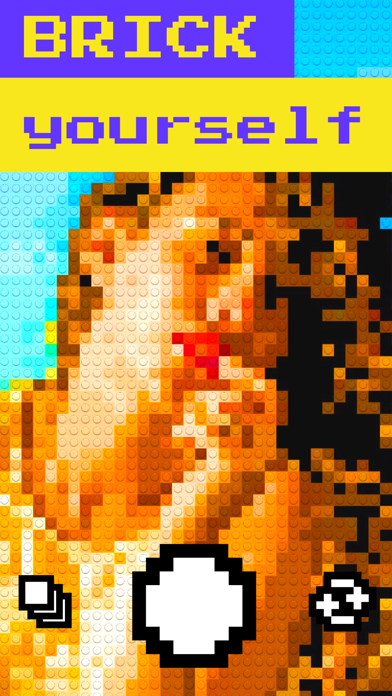
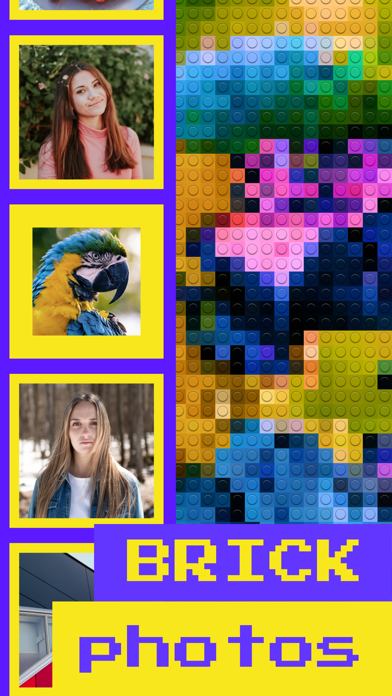
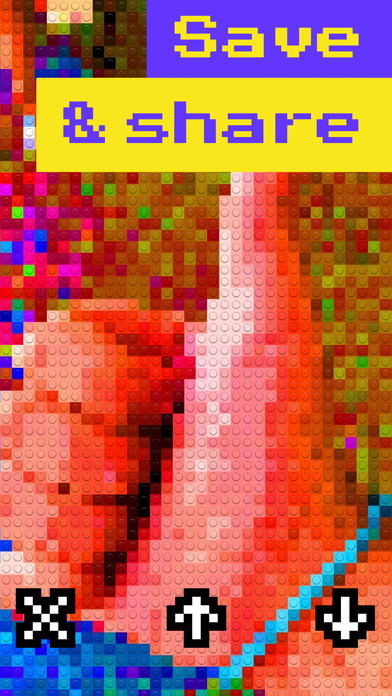
With Bricks you can take selfies and GIFs in brick mode, change the brick size, apply filters and share your creations with everyone!
It's that easy!
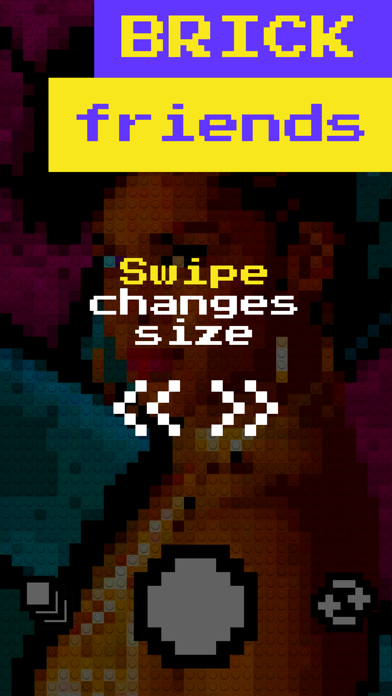
- Change the brick size by swiping to match your style.
- Tap anywhere to change filter.
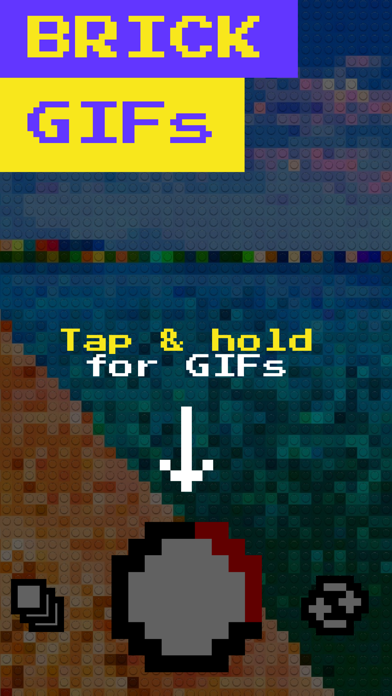
- Tap the record button for photos or tap and hold it for videos and GIFs.
- Switch cameras by double tapping even while recording.
- Brick your Photo Library photos!
- Get an instruction booklet on how to build your photo in real life!
- Change the brick size or filter even after capturing a photo or GIF!
- Shoot both vertical and horizontal photos and GIFs!
- Share them with everyone with just one tap!
- Save your creations to the Camera Roll!
Feel free to contact us at bricks@horizon.camera ;)
What's new (v2.4)
- New filters! Tap to explore different brick modes!
- Bricks now remembers the filter you have selected so it will be available next time you launch the app.
- Settings now reveal the access level that Bricks has on your photo library, allowing you to change it if you want.
- Bug fixes and performance improvements.