**Aviation Weather for Apple Watch and iPhone/iPad**
Access real-time aviation weather data directly from your wrist with this essential app.
**Key Features:**
- **Watch Face Complications:** Customize your watch face to display weather information for your preferred or nearest airport at a glance. Utilize our proprietary algorithms to prioritize the most relevant weather data and optimize screen space.
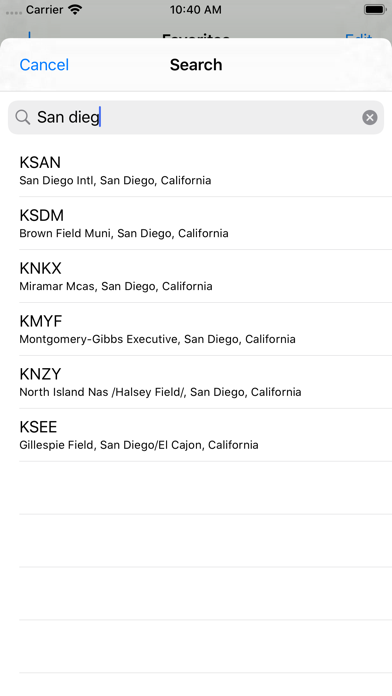
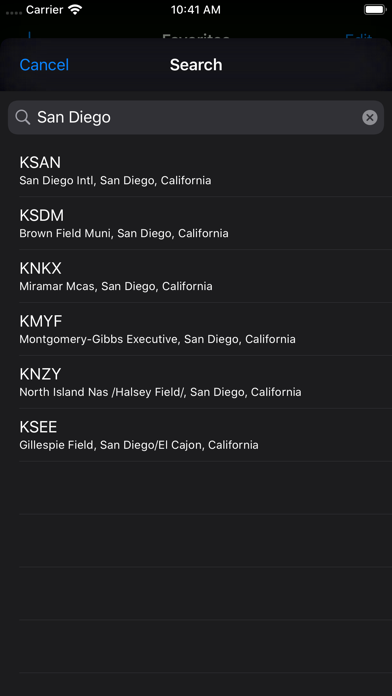
- **Voice and Scribble Search:** Search for airports by name, city, or identifier. View current weather conditions (METAR) and forecasts (TAF). Enable location services (with permission) to access nearby airports.
- **Widget Support:** Display weather information on your Home Screen and Lock Screen for easy access.
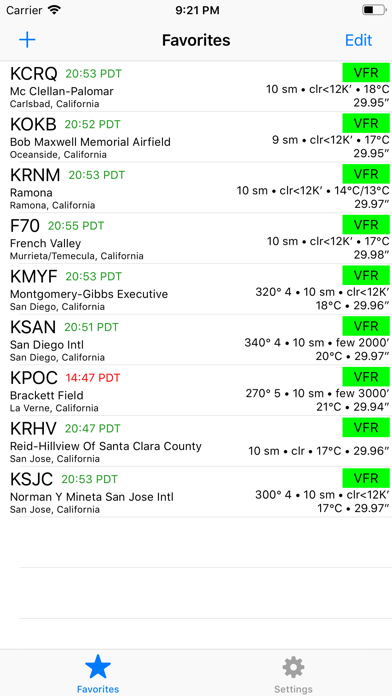
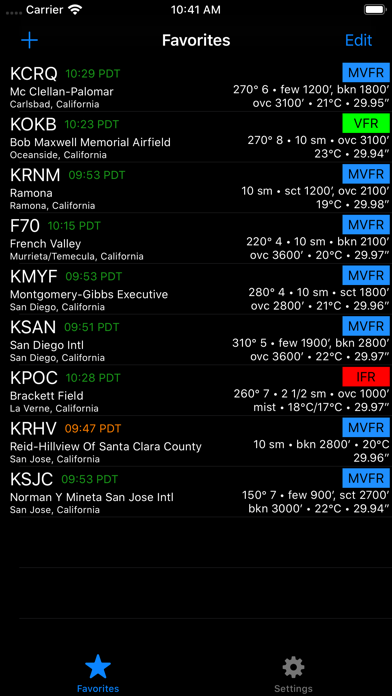
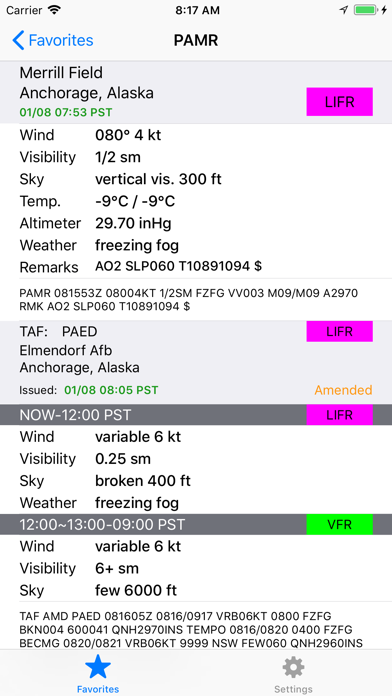
- **Comprehensive Weather Data:** Display raw and fully decoded METAR and TAF data in a user-friendly format. Provide concise summary information in the airport list, while optimizing the screen space. Our algorithm prioritizes essential information, ensuring it is displayed even within a single line of text.
- **U.S. Airport Support:** Currently, the app is available for U.S. airports.
**Feedback and Suggestions:**
Please report any issues or provide suggestions through the “App Support” link on the App Store page.
What's new (v3.0)
Completely rewritten from scratch utilizing the most recent frameworks. If you are upgrading from the older version, you may need to re-add your complications to watch faces, but all other settings will be preserved.
Now supporting all complication types and SmartStack widgets on Apple Watch! You can also add multiple complications on one watch face for different airports.
Additionally, widgets are now supported on iPhone, iPad, and M-series Macs. Both Home Screen and Lock Screen widgets are supported.
Furthermore, we are introducing the TAF Preview strip for at-a-glance forecast for the next 12 hours!
Other notable changes include a Fahrehneiht/Celsius toggle and a UTC/Local Time toggle in the app settings.