Description
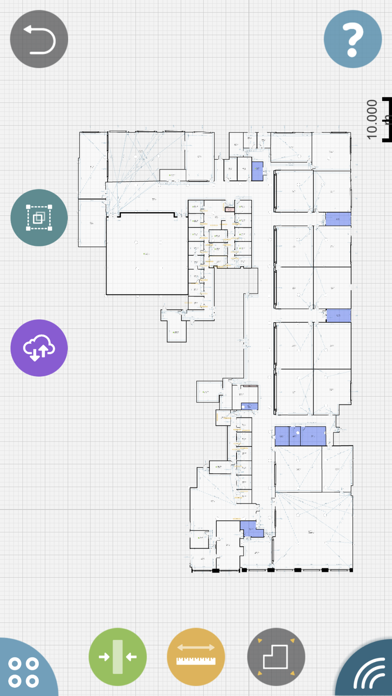
Digitalizing the traditional ways of building survey. Create floor plans, 3D BIM models rapidly with up to 1mm accuracy. Export and use them in any desktop CAD system or any professional IWMS, CAFM, CMMS or ERP system.
Check out the simplicity of using the app in the first steps video: http://oglink.co/start
OrthoGraph is a platform of 3D floor plan survey and BIM model management on mobile devices. It defines a platform of building surveying, 3D BIM model creation and management.
By using OrthoGraph making floor plans and building survey is less of a hassle with accuracy and efficiency in mind. From all over the world, architects, surveyors, realtors, facility managers, crime or fire scene investigators and more are using OrthoGraph to aid their professional workflow.
What can you do with OrthoGraph mobile app? A lot, like:
- Creating floor plans with accurate measurements.
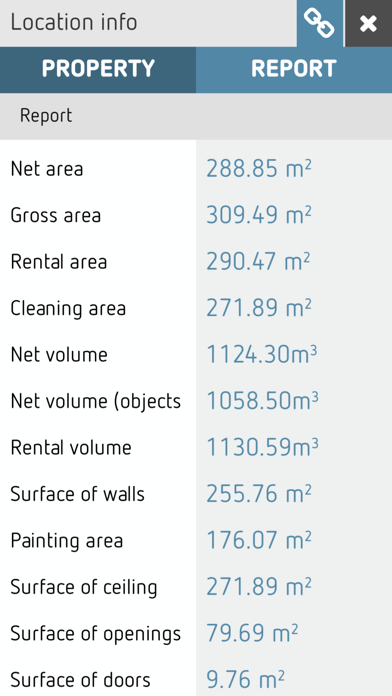
- On-site reports.
- Exporting in various industry-standard formats (DXF, IFC, PDF, XLSX, PNG).
- Being able to connect a Leica, Bosch or Stabila LDM.
- Cloud and Teamwork functionality.
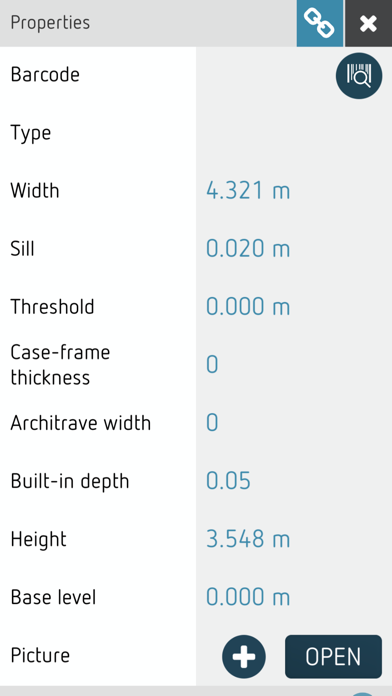
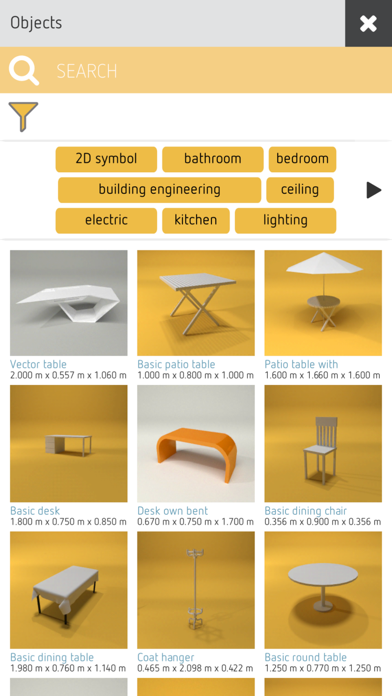
- A 100+ BIM object library.
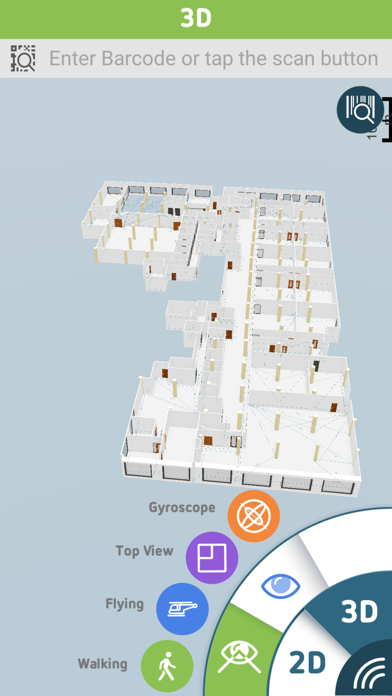
- 3D walkthrough.
OrthoGraph Cloud web functionality:
- Real Estate Datasheet published izn OrthoGraph Cloud with integrated 3D model view. Share it with your colleagues and customers.
- 3D web viewer, all properties and photos accessible in a simple web browser
- API integration possibilities with external systems (OrthoGraph Enterprise)
OrthoGraph offers its features as in-app purchases. Get a 14 Days free Pro license with your new registration. Make sure to get the most of it. The subscription is available both on Monthly and Annual basis.
Main features of the application:
- Drawing modes (freehand or wall by wall)
- Measuring mode (walls, diagonals, objects)
- Unlimited projects and floors, with a 30 location limit per project
- Leica, Bosch and Stabila Bluetooth laser distance meter compatibility
- Exports in industry-standard formats (DXF, PDF, XLSX, JPG)
- OrthoGraph Cloud Sync and read-only file sharing
- On-site reports & calculations
- 100+ BIM object library
- 3D walkthrough
- Background image import for utilizing printed/PDF blueprints
- Works offline
- IFC export - 3D BIM model
- Teamwork
- Real Estate Datasheet to be shared with your colleagues or customers.
- 3D web model viewer of your project
OrthoGraph is also available for enterprises or for integration with other systems; please contact our Sales Department for further info. Get access to our API to integrate our app with your own solutions, manage Pro licenses and more with OrthoGraph Enterprise.
If you need further information, book a demo, read our knowledge base, watch our videos or just contact our customer support. We leave no questions unanswered.
All of our subscriptions automatically renew unless auto-renew is turned off at least 24-hours before the end of the current period and your payments will be charged to iTunes Account at confirmation of purchase. Your account will be charged for renewal within 24-hours prior to the end of the current period and identify the cost of the renewal. Subscriptions may be managed by you and auto-renewal may be turned off by going to your iTunes Account Settings after purchase. Any unused portion of a free trial period, if offered, will be forfeited when you purchase a subscription to that publication, where applicable.
Please find our detailed policies in the following documents:
https://www.orthograph.net/wp-content/uploads/OG_Terms_of_Use.pdf
https://www.orthograph.net/wp-content/uploads/OG_Privacy_Policy.pdf
Work faster and more efficiently, never leave any data behind ever again.
Join thousands who have discovered a better method to create accurate and complex floor plans and building surveys - by using OrthoGraph.
What's new (v4.2.1)
- Updated Leica integration to support the latest Disto D2 and X6 models—so you can use the most modern measuring tools available.
- You can now import XLSX files. Export your data, tweak it in Excel, and re-import it to apply bulk updates in seconds. Yes, mass edits just got a lot less painful.
- Inventory, finally where you need it. Locations, floors, and projects now include a dedicated Inventory tab—giving you a clear, editable overview of everything inside. No more hunting around.
- Not everything needs to be out in the open: You can now manage objects directly in the inventory without placing them on the floor plan. Because sometimes reality is not perfectly drawn yet.
- Locations can now be created in the Location Manager even if they’re not yet on the floor plan. Perfect for planning ahead (or catching up later).
- Added the ability to move walls by freehand dragging, accessed by a button on the currently selected wall.
- Bring your existing plans with you: PDF import is now supported in Background Images—making it easier to work with large-scale drawings and detailed plans, whether they were created elsewhere or simply saved as PDF.
- Improved UI layout for less common screen ratios.
- Various minor fixes and optimizations to keep everything running smoother behind the scenes.