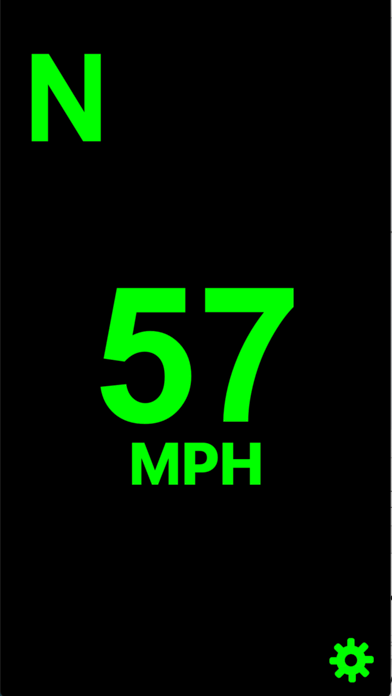
This app displays your speed and direction on the windshield of your car.
Directions:
Place the iPhone on your dashboard, below your windshield, with the bottom of the device facing away from you. Your current speed(mph) and direction will be reflected onto your windshield. You can also tap the screen to toggle between a mirrored and un-mirrored display. Additionally, you can tap the MPH/KPH button to switch between miles-per-hour and kilometers-per-hour
What's new (v4.0)
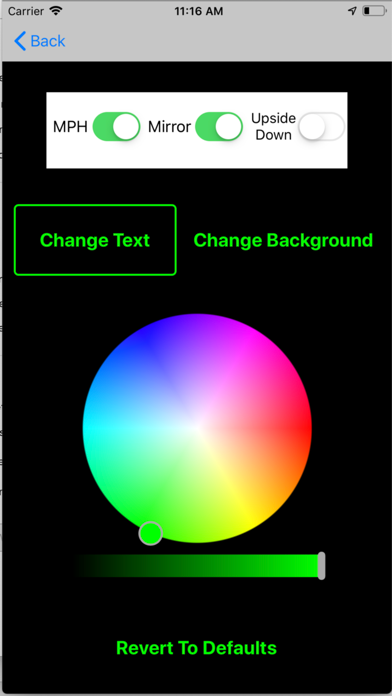
-New settings page
-Ability to change text and background colors
-Ability to turn screen upside down in order to use while charging