Description
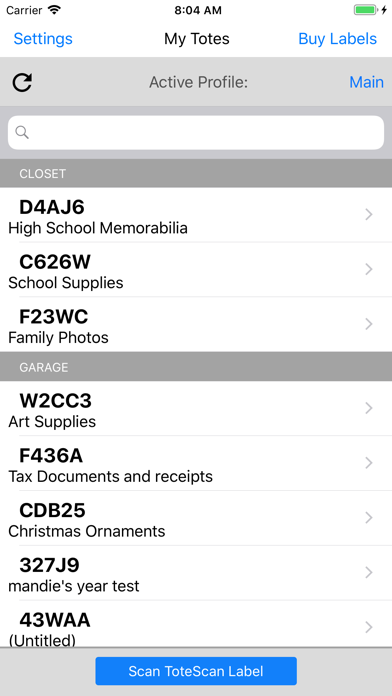
With ToteScan you can easily itemize your storage totes and containers to help you quickly find the things you need. ToteScan works by scanning official ToteScan labels. The ToteScan labels are individually connected with your account, and by affixing them to your totes and containers, you can easily scan and add items that you place into the containers. Once entered, you can use the built-in text search capability to find totes by name, individual item name, description, or keyword.
ToteScan supports family sharing with the ability to add profiles to the account for individuals to keep separate collections, but still be within the same account.
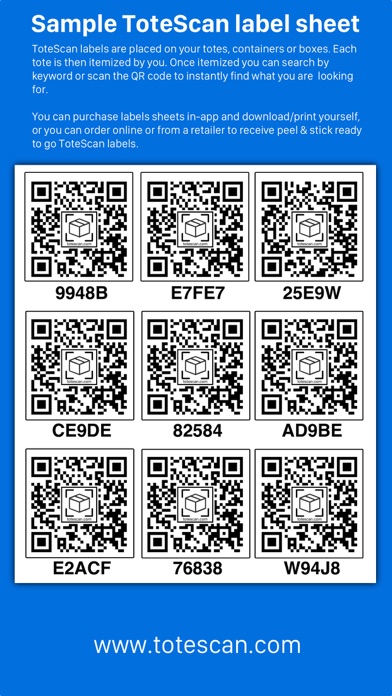
Additional ToteScan labels can be purchased in-app and digitally delivered to you by email link. You can then print them on basic paper, cut them out, and tape to your totes and containers. Or you can choose to buy pre-printed ready to peel and stick ToteScan labels and have them shipped to you.
Movers/Real Estate Agents/Organizers can now scan and fill ToteScan labels (totes) for their customer on-site, and once complete, can transfer the totes to their customer's own ToteScan account.
Let ToteScan help you organize your storage totes and containers, and take organizing to the next level!
Features:
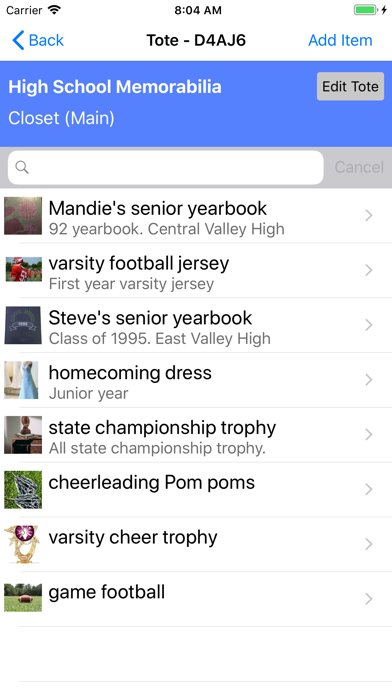
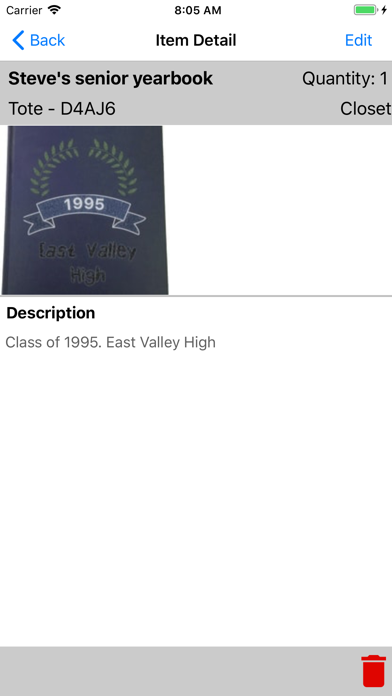
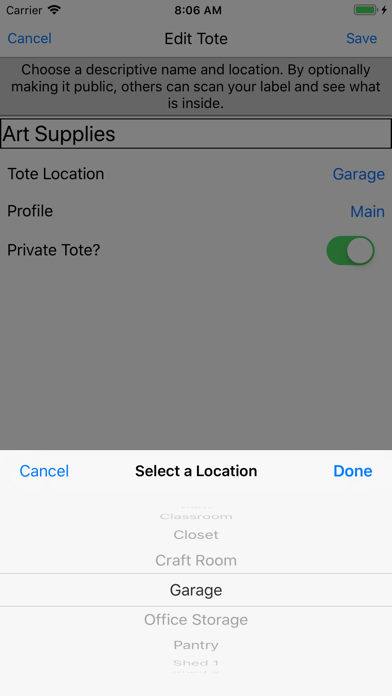
- Itemize the contents of your totes and containers with title, description, quantity and location.
- Attach multiple pictures to each item for quick identification and review within the app.
- Optionally scan an item's barcode, pre-populate title and image, when adding items to totes.
- Search by any number of methods, such as tote name, item title, description, or keyword.
- Clone item(s) within a Tote label to make copies without re-entering data.
- Parent/Child tote option to enable boxes/containers within other boxes/containers.
- Share a common account with family members or business associates.
- Supports multiple profiles to categorize collections and share with family members.
- Supports multiple container types for identification as well
- Email support offered 7 days a week. Reach out to us at any time!
- Export your data at anytime (PDF, CSV or HTML formats).
- Purchase in-app downloadable ToteScan labels to get up and running in minutes (without buying our retail Peel & Stick packs).
- Our in-app downloadable labels also print directly to 4"x6" thermal printers as well as sizes for the mini thermal printers by Nelko, Phomemo,etc (check label sizing on the in-app screen)
- No monthly fees or subscriptions required.
- Plus many more features not listed here!
What's new (v1.6.1)
Fixed an issue the recent 1.6.0 app update where some people experienced connectivity issues to sign in and reach their data.
**** changes mentioned again here for previous app update ***
- item(s) cloning is supported inside the Tote Info screen. Long-tap to select multiple items to clone. Tap clone/move icon (leftmost icon) or clone icon (next to clone/move)
- Item(s) cloning/moving to another Tote label is supported inside the Tote Info screen. Long-tap to select multiple items to clone/move, then tap icon or choose ... menu.
- Container type now listed on My Totes screen for each Tote label.
- Added ability for decimal value for Quantity in Items.
- Various bug fixes and optimizations