Open Raivo Authenticator in one tap, sign in with FaceID and copy your one-time password to your Mac in one tap with the Raivo MacOS companion app. Using a multi-factor authenticator has never been easier!
• Backup/synchronise one-time passwords to iCloud (end-to-end encrypted).
• Export your one-time passwords to encrypted ZIP archives.
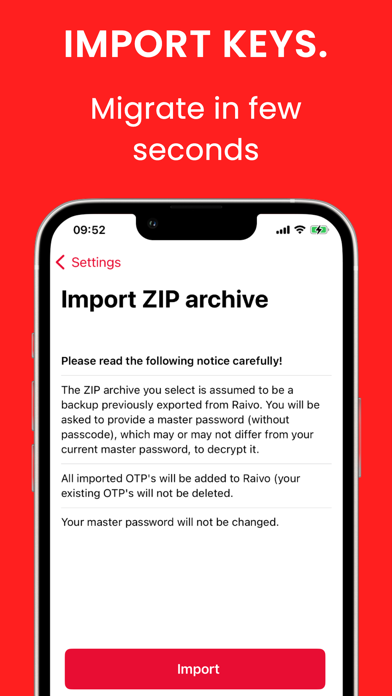
• Import one-time passwords from previous exports.
• Send your passwords to your Mac in one tap, cross iCloud account (end-to-end encrypted).
• Add (custom) icons to your one-time passwords and apply effects.
• Fast user experience with most often used functionality easily accessible.
• Scan a QR code or add a one-time password manually.
• Show both the current and previous one-time password.
• Unlock Raivo OTP with FaceID, TouchID or a passcode.
• Raivo OTP is native and open-source (built in Swift 5)!
• Raivo OTP is open-source and community-driven!
We are pleased to announce a new feature that allows you to add Passwords directly directly from your Photo Library.
- Tap the camera icon and select "Photo Library".
- Choose any QR code image or screenshot.
- Raivo will automatically detect and import your codes.
This enhancement is designed not only for individual passwords but also for facilitating your migration to Raivo from other authenticators.
Thank you for being a part of our journey.