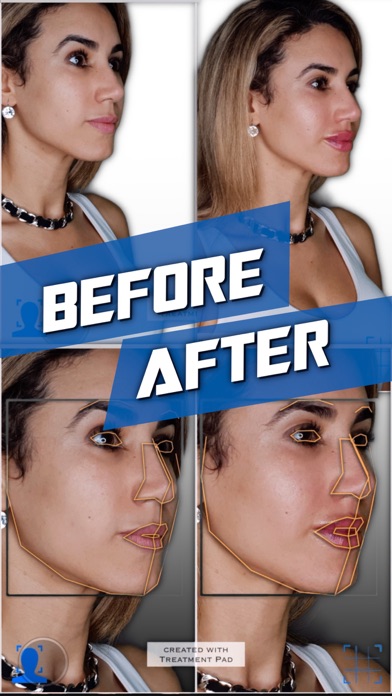
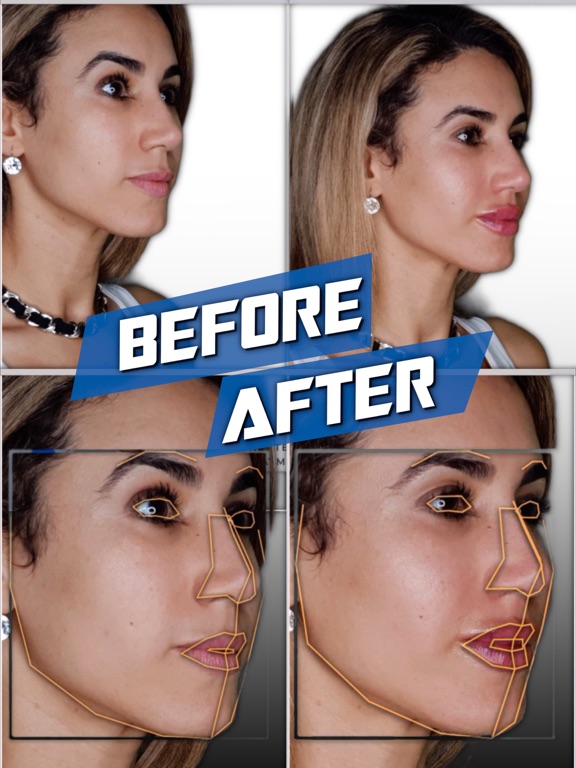
Treatment Pad uses computer vision technologies to aid you in quickly generating before and after photos.
LAYOUT EDITOR
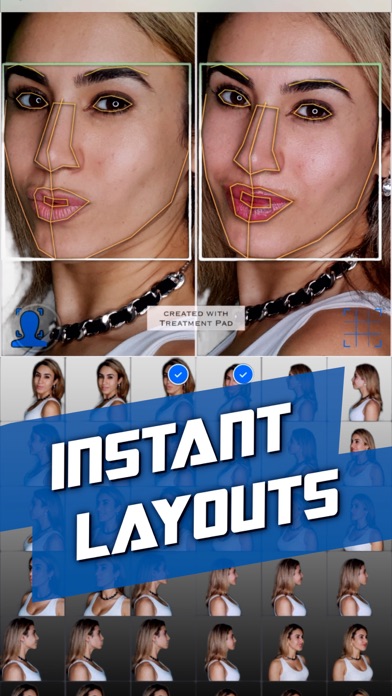
- In the gallery view first select your before and after photos.
- Then press the facial alignment icon to use computer vision to mark and identify facial features detected in the photographs for automatic alignment.
- Use the optional grid overlay for micro-adjustments.
- Use the settings menu to filter by face orientation or toggle backgrounds.
- Tap the share icon to save or add a blur.
- Tap or long press the template icon to toggle or switch templates
CAMERA
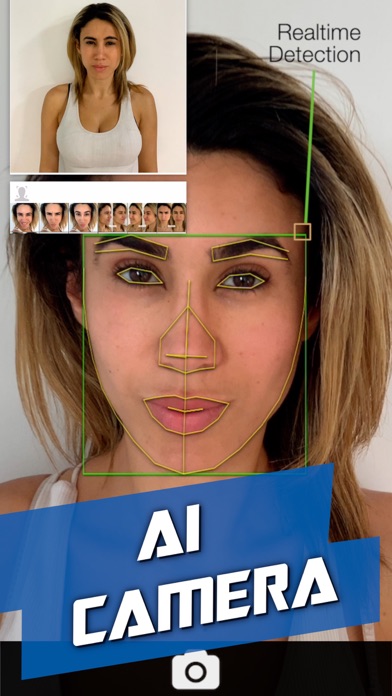
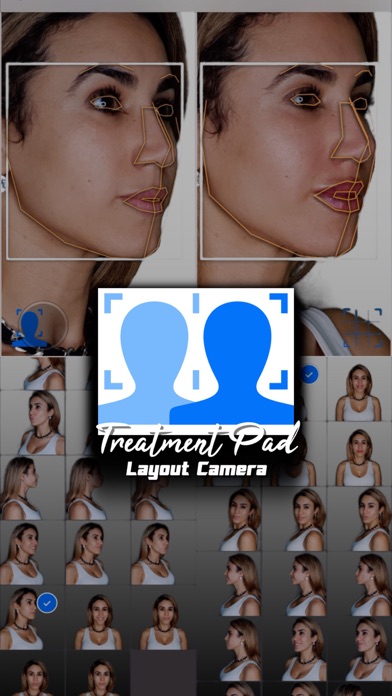
- In the gallery view tap the camera icon at the centre to launch the layout camera.
- Select photographs to compare with using the left pane.
- Take photographs with the camera using the right pane.
- The detected rotations are displayed to help guide you to take matching shots.
- The facial alignment icon can be used to show the detected face in both panes.
SUBSCRIPTIONS
Pro Layout: Upgrade to remove the 'created with Treatment Pad' watermark.
Pro + AI Camera: Upgrade to take photographs with the camera and remove any watermarks.
Terms of Use: treatmentpad.com/subscription-terms
MORE
More advanced features such as an automatic camera will be coming soon to this app after it has passed its clinical trial in the medical field.
What's new (v1.7.19)
+ Added an option to hide borders, available in settings
+ Minor bug fixes