Description
1. Create lists
2. Add numbers
3. Let CalcuList take care of the rest!
CalcuList is an easy way to add together numbers in a list and store the results for future use.
Simply add items to a list, assign a numeric value to each and CalcuList will automatically display the total or average list value. Quickly edit, duplicate, complete and delete items - CalcuList will continuously update the running total/average value for you.
Try using CalcuList to keep track of:
- Costs (e.g. budgets, gift lists, DIY projects, holiday expenses)
- Goals (e.g. checklists, workout schedules, habit tracking)
- Averages (e.g. exercise sessions, energy usage, bill splits)
- Pros and Cons (e.g. positive and negative values to represent weighting)
- Counts (e.g. TV watch lists, business mileage, party guest lists)
- Time (e.g. cooking times, travel times, gig setlists)
- Everything else (e.g. distance, area, mass, data capacity, temperature, speed)
CalcuList was built with speed and simplicity in mind, adopting a clean, easy-to-use interface that provides an alternative to using cumbersome spreadsheet software for simple list creation.
Features:
- Quickly add together numbers in a list
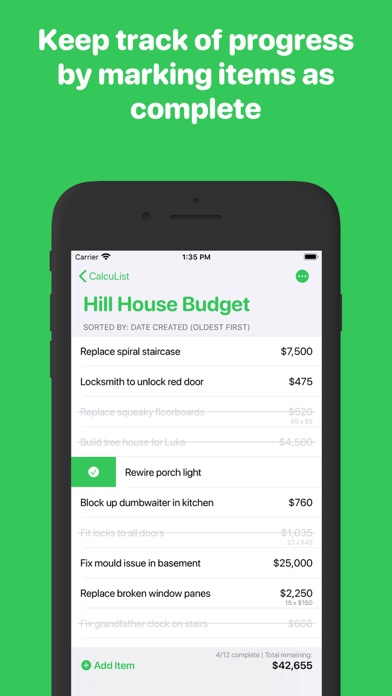
- Keep track of progress by marking items as complete
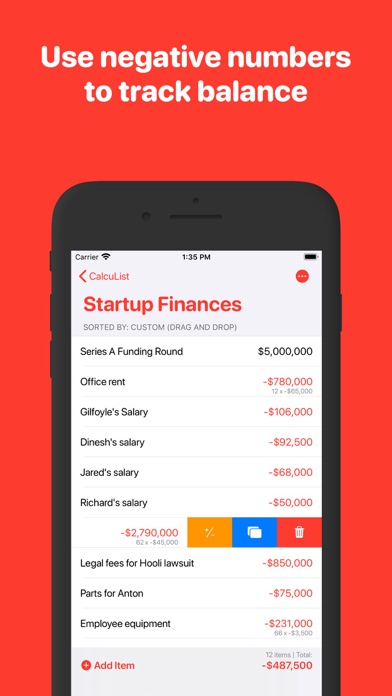
- Use negative numbers to track balance
- Optionally add quantities to items for easy multiplication calculations
- Choose to display ‘Total’, ‘Average’ or 'Quantity' list values
- Custom format numbers with decimal places, prefixes, suffixes and more
- Easily duplicate lists and items
- Sort lists and items alphabetically, numerically, by date or manually
- Customise lists with a choice of over 100 icons and 10 colour themes
- Beautiful, clean design
- Dark mode fully supported
- Choose from 40 home screen app icons
- Use in both portrait and landscape orientations
- No ads, no logins, just use freely without restrictions
What's new (v1.4.2)
Version 1.4.2 contains the following updates:
- NEW: Compact Mode - see more items on the screen at once.
Previous updates:
- NEW: Add detail to items
- NEW: Display the total quantity of each list
- NEW: Customise your home screen with a choice of 40 app icons
- NEW: Updates to Settings page
- FIXED: You can now add quantities of less than 1 (e.g. 0.5)
- FIXED: Minor toolbar display bug when rotating device
Thanks for using CalcuList!