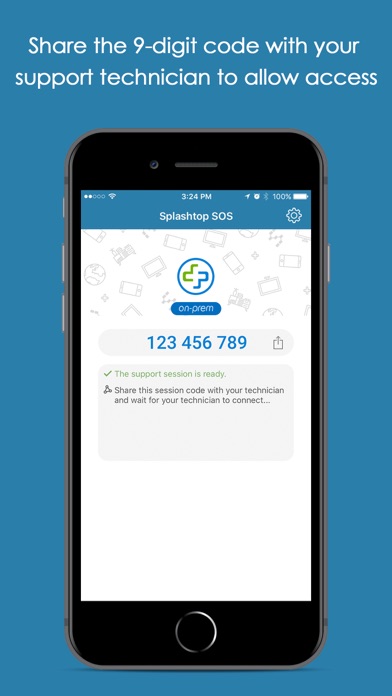
Get remote support for your iPhone/iPad from your remote technician! Users can real-time screen share to remote technician with a Splashtop Splashtop On-Prem account. Technician will be able to provide assistance to guide the user. Session connection is securely protected using industry standard encryption.
Quick Guide:
1. Download and launch SOS app on your iPhone/iPad.
2. Share the 9-digit session code to your remote technician who has a Splashtop On-Prem account.
What's new (v3.8.0.7)
- SOS On-Prem app is compatible with Gateway v3.32.x or higher.
- New feature: Easily share files and chat during sessions.
- Performance & Security Updates.
- Various bug fixes.