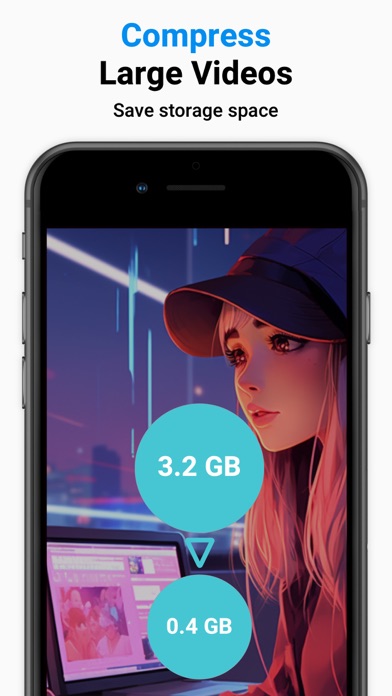
Resize Video Compressor helps you make large videos smaller by resizing and compressing them.
Use it when your iPhone storage is getting full, when a video is too large to send, or when you want a lighter file for social media, messaging apps, or everyday sharing.
** Who Is This App For? **
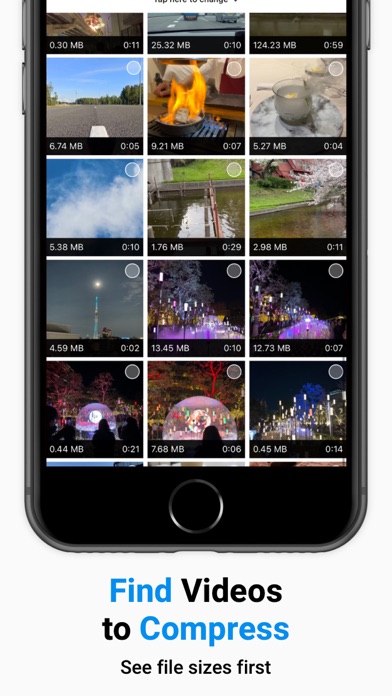
- You want to free up iPhone storage by reducing large videos.
- You need to make videos easier to send in messaging apps or on social media.
- You want to prepare videos for social media before posting.
- You record in high quality but do not need every video to stay full size.
- You have many screen recordings and want to keep the content while reducing file size.
- You received a large video and want to make it easier to share.
** Features & How to Use **
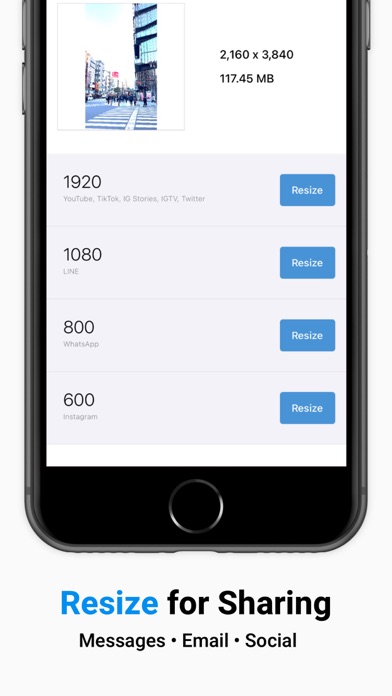
■ Select a Size
Choose a preset resolution based on common social media and messaging needs.
- 1920: YouTube, TikTok, Instagram Stories, IGTV, Snapchat, X (Twitter), Discord
- 1080: LINE
- 800: WhatsApp
- 600: Instagram
■ Compress
Tap "Resize" to create a smaller version of your original video and save it to your Photo Library.
■ Share & Delete
- Share compressed videos directly to social media or messaging apps.
- Share a result card that summarizes how much storage you saved.
- Optionally delete the original video after saving the compressed version. Deleted videos move to "Recently Deleted" in your Photo Library.
** Paid Version **
We offer a subscription-based or one-time purchase option for the paid version.
Paid version features:
- Batch Compression: Select multiple videos and compress them in one batch.
- Fine-Tune Output: Set size, FPS, bitrate, and codec to control quality and compatibility.
- Quick Previews: Export a short preview to test settings before full compression.
- Preserve Metadata: Keep creation date and location when possible, so videos stay organized.
- Work Without Ads: Compress, resize, and review results without ad interruptions.
** Terms and Conditions for Subscriptions **
- Auto-renewal occurs 24 hours before the end of each billing cycle unless canceled.
- You will be charged through your Apple ID account.
- The current billing period cannot be canceled.
■ How to Manage Your Subscription
Navigate to Settings.app -> Apple ID -> Subscriptions -> Resize Video Compressor to manage your subscription.
Note: If no active subscription is registered, the "Subscription" option may not appear.
** Terms for One-Time Purchases **
- You will be charged through your Apple ID account.
- Cancellations are not permitted.
** Terms of Use **
Read full terms here: https://www.codepaint.app/terms/resize-video-compressor