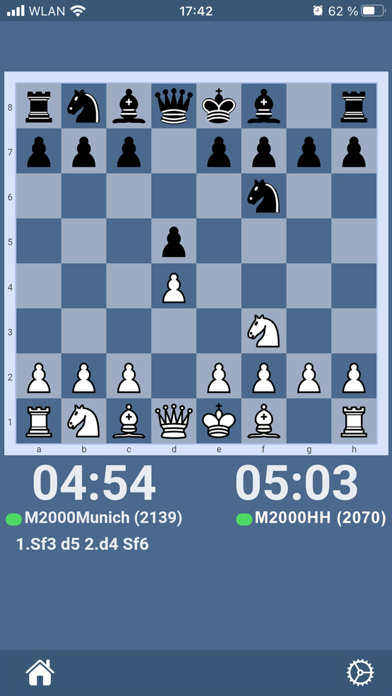
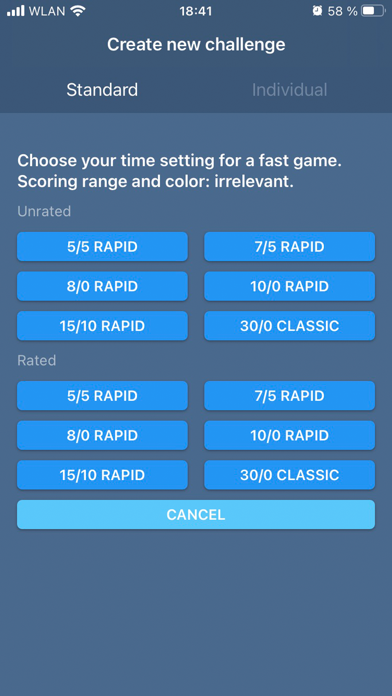
Online chess that feels like real chess.
Connect your electronic chessboard to the app and play games on Lichess, your local playing partner or chess engine—but on your real board. LEDs show you your opponent's moves directly on the board, so you stay fully focused and enjoy an authentic “over-the-board” experience.
Set up in minutes.
Pair your board, launch the app, and start playing.
Compatible boards:
Supreme Boards, Exclusive Boards, Performance Boards, and the eONE Board.
More info and links to the boards:
• Supreme T2 – computerchess.com/Supreme-T2/M880
• eONE – computerchess.com/eone/M841
• ChessClassics Exclusive – computerchess.com/Supreme-T2/M880
• The King Performance – computerchess.com/the-king-performance/M830
Follow us on social media:
• YouTube - youtube.com/@millenniumchess
• Facebook - facebook.com/MILLENNIUM.Digital.Chess
• Instagram - instagram.com/millenniumchess
• TikTok - tiktok.com/@millenniumchess
What's new (v3.1.1)
We have incorporated a local chess engine into this version. This allows you to:
- receive hints in 2-player mode
- play against the engine locally (without an internet connection). We have limited the engine so that you have a chance of winning.
- simply set up a position in “Free Analysis Mode” and change it freely. The engine immediately calculates the best sequence of moves and evaluates the position. This works similarly to the old “TASC R30/40 chess computer.”