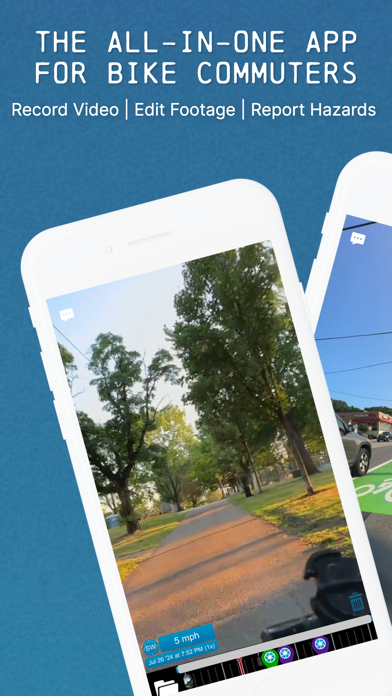
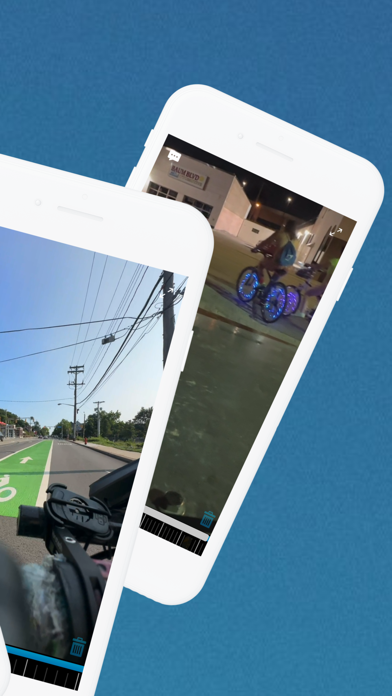
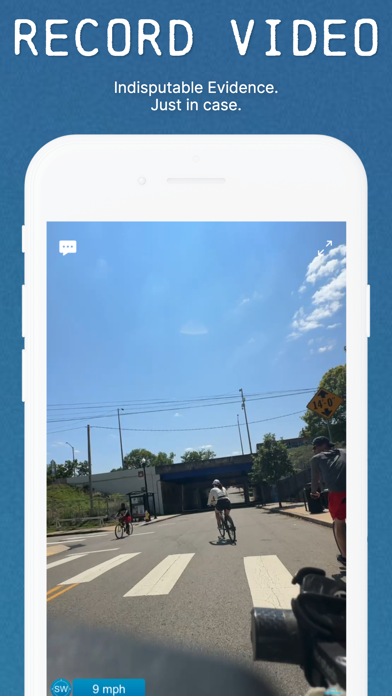
dashcam.bike is built for bicycle commuters to record every ride.
Why buy a separate camera when you already have an iPhone? Our in-app "Cinematic Stabilization" and our anti-shake phone mount work together to create high-quality footage with just your iPhone.
"Live Link" lets you share your live video feed & GPS location with loved ones so they know you're safe.
Use your smartphone's camera to record your rides. Our low-power standby mode uses close to zero battery, and our power-saving features let you record up to six hours on a single charge.
In standby mode, you're ready to record any hazard you encounter with a single tap of the screen.
The average commute uses just 5% of your battery. We recommend you record every commute or short trip, and leave the app on standby mode for longer rides.
Stay safe on the road with these features:
- Report hazardous conditions to your city officials
- Have video evidence in case of a crash
- Feel safe knowing that aggressive drivers can face consequences
- Create compilation videos to share group rides and give your friends FOMO
- Share cars parked in bike lanes with 311, or whoever deals with this in your city
Features:
- Doesn't disrupt your music or podcasts: Record video while playing through phone speakers or bluetooth headphones
- Super-low-power: automatically enters low-power-mode
- Gesture-based controls so you can start and stop recording without looking at your phone
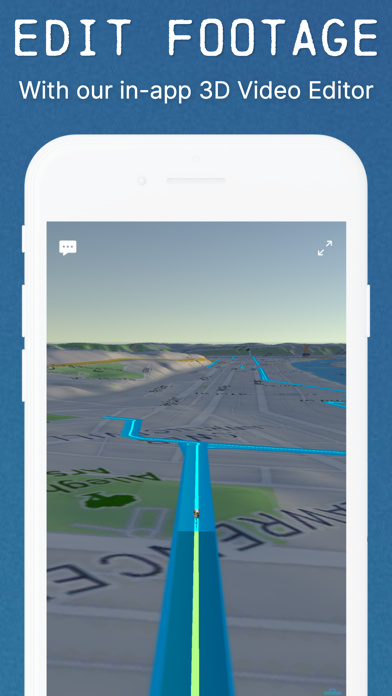
- Records GPS tracks and overlays footage on a 3D map
- Export timelapse videos, up to 32x speed (nobody wants to watch your 10 minute ride at 1x speed!)
- Export videos to social media or save to your phone
- Export compilation videos
- Uses loop recording to automatically manage your storage
- Works in portrait or landscape mode
- Rain mode to ignore taps from raindrops
Premium features for subscribers:
- Cinematic stabilization (available on iPhone X and newer phones).
- Remove the watermark
- Multiple dashboard themes, including our new "Driver's Seat Perspective" overlay to show the absurdity of what commuters can encounter
- More scrolling on our 311 Feed, which lets you see what users in select cities have reported.
- Live Link video feed sharing
Privacy and Security:
- Your videos and GPS tracks are stored locally on your phone, not on our servers
- Exported videos can hide select addresess
Hardware:
- We recommend you use our app in combination with our footage-stabilizing mount: https://dashcam.bike/mounts
- No external cameras are needed. We use your smartphone camera.
- You can mount your camera on your handlebars to record in front of you, or on your seat post to record behind you.
FAQs:
>> How do you keep my data private?
Everything we do centers around your privacy! Your videos and location are stored locally on your device, not on our servers.
>> When can I use the app?
We recommend opening the app on every ride around town. You can leave it on standby to save battery power.
>> Can I play music while riding?
Yes! When you launch the app, your music will be paused. Just hit play again.
>> Can I use my maps app while riding?
Yes! Our phone mounts are designed to tilt upward so you can switch apps, check maps, then switch back.
>> How do I find my ride's highlights?
All you have to do is tap the screen while it’s recording. When you reach your destination, every tap will be visible as a purple marker in the timeline.
>> How do you make those cool 3D flyover videos?
Just hit Share > Video Clips and select multiple clips. The app will create a flyover video between each of the clips you selected.
>> How do I report hazards?
Use your city's 311 system. In select cities, our One-Tap 311 Reporting can do this for you. This includes Boston, Washington DC, Minneapolis, and Pittsburgh.
>> When is One-Tap 311 Reporting coming to my city?
See https://dashcam.bike/311 to bring 311 reporting to your city.