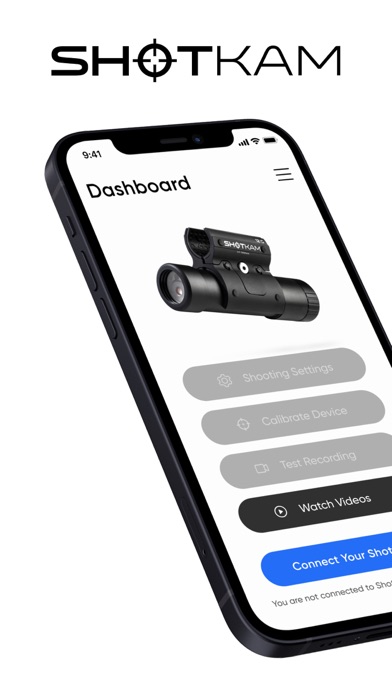
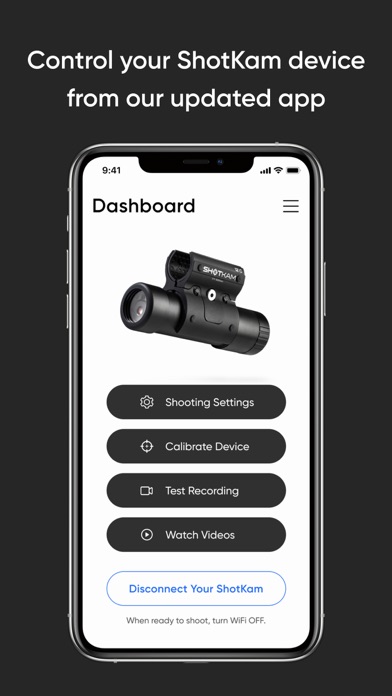
Easily connect the ShotKam Camera to your Apple mobile device using this app (not for computers).
How to Connect:
1. Turn on your ShotKam's WiFi
2. Connect to the ShotKam WiFi network in your device Settings
3. Open the ShotKam app
Features:
- Calibrate the reticle
- Select your settings such as gun type, target type, and recording length
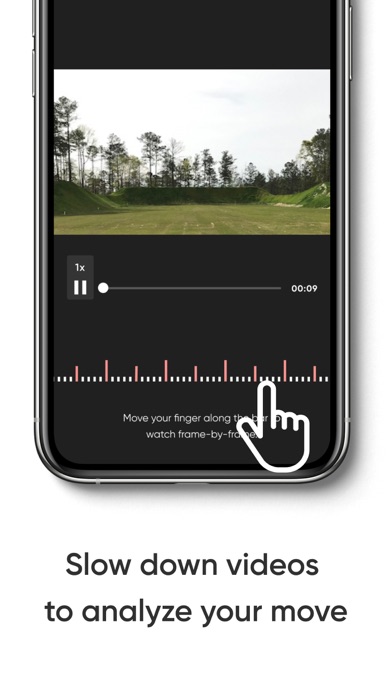
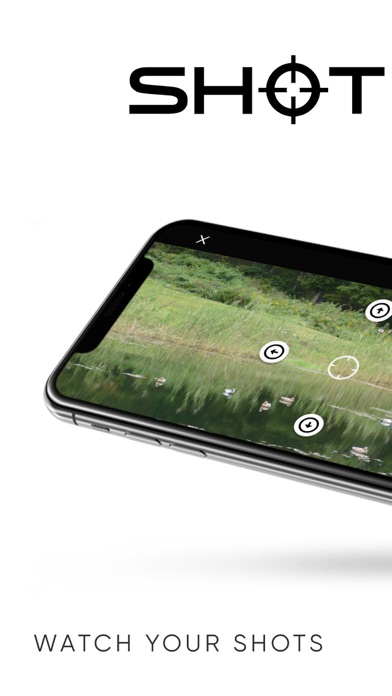
- Play videos wirelessly
- Download videos to Photos app
What's new (v4.1.17)
Now displays in English, Spanish, French, and German based on your device’s language settings. More languages are coming soon to enhance your ShotKam experience.