Description
YouCut as an AI [Video Editor] & [Video Maker] for YouTube and other social media, features a unique timeline design that makes video editing easier and more efficient. Easy to edit videos with music, AI effects, captions, emoji, text to speech, etc.
[Easy & No Watermark]
Edit videos like a pro. Whether you want to make photo videos or share moments with friends, YouCut is the best video editing app with all features you need.
Features:
[Powerful Video Editor and Movie Maker]
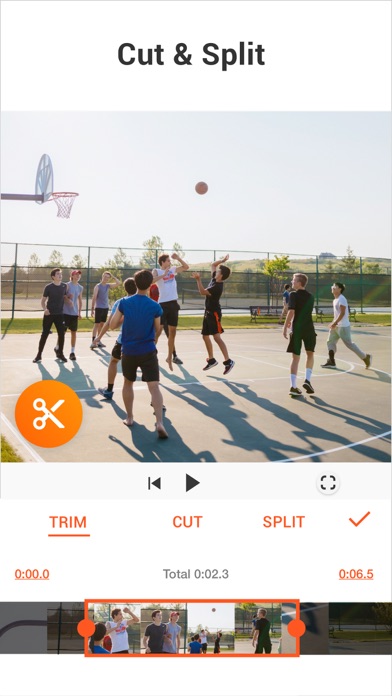
YouCut as one of top AI video editor apps, provide you with AI Trim, AI Captions, AI Enhance, AI Cutout, etc. You can zoom in/out timeline for precisely editing. No banner ads.
[AI Video Editor]
AI Video Enhance - Restore blurry videos and photos to HD.
Auto Captions - Generate accurate captions for social media.
[Video Speed Control]
Fast/slow motion video (Adjust video speed from 0.2× to 100×), Edit video and adjust speed with video filters and effects.
[Photo Slideshow Maker]
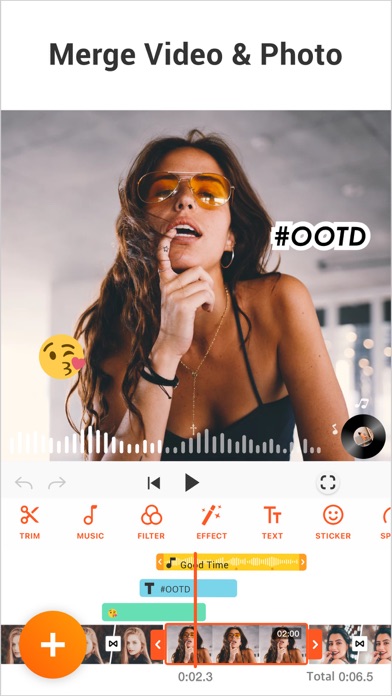
Music video editor with photos, professional video combiner, merge photos to create slideshow.
Make video collage easily with Picture-in-Picture (PIP), keyframe.
Combine videos with photos, add custom photo cover, auto captions for video, edit videos with music like a pro.
[No Watermark]
As music video editor and full screen video maker for YouTube, YouCut never add Watermark to your video. There is no banner ads on the screen, unlike other video editing apps.
[Add Music to Video]
It is a pro TikTok editor and YouTube intro maker that meets all your needs.
1. 100+ music and built-in sound effects.
2. Edit videos with your music.
3. Extract music from video.
[Video Filters & AI Effects]
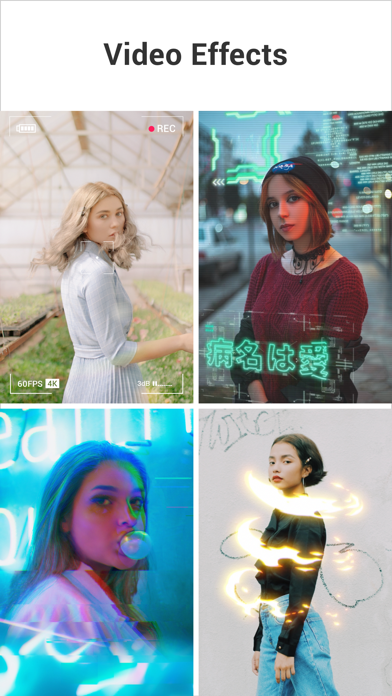
Add movie style video filters and AI effects to video. Best Movie maker to enhance quality without watermark.
[Video Color Adjust]
Adjust video brightness, contrast, saturation, etc. Custom video filters and effects. Best movie cutter and AI captions generator for videos.
[Change Video Background]
1. Change background color of your video, blur background.
2. Remove background with AI in a tap.
[Keyframe]
Add motion to clips by keyframe.
[Video Compressor]
1. HD video maker & TikTok editor.
2. YouCut - AI video editor and video maker support resolution up to 4K.
[Share Video]
Directly share video to YouTube, Instagram, TikTok…to get hundreds of 'likes'!
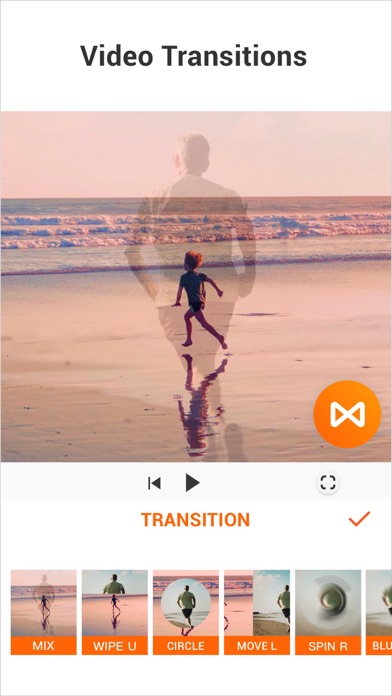
Captions AI with 99+ languages, Photo Slideshow, Add music, materials, AI video, Apply transition effects, Apply FX video filters, Rotate video, Share to YouTube... Fast/Slow motion video editor without losing video quality!
If you have any question about YouCut (AI video editor, video cutter & video enhancer, photo slideshow maker), please email us at: youcut.ios@inshot.com
For more tutorials, subscribe us on YouTube @YouCutApp
[YouCut Pro Unlimited Subscription]
- With an YouCut Pro Unlimited subscription, you have access to all features and paid editing materials.
- YouCut Pro Unlimited subscription is billed monthly or annually at the rate corresponding to the selected plan.
- Payment will be charged to iTunes Account at confirmation of purchase.
- Subscription automatically renews unless auto-renew is turned off at least 24-hours before the end of the current period.
- Account will be charged for renewal within 24-hours prior to the end of the current period, and identify the cost of the renewal.
- Subscriptions may be managed by the user and auto renewal may be turned off by going to the user's Account Settings after purchase.
- Any unused portion of a free trial period, if offered, will be forfeited when the user purchases a subscription to that publication, where applicable.
[Terms of Use]
https://inshot.cc/terms/terms_youcut.pdf
[Privacy Policy]
https://inshot.cc/terms/privacy_youcut.pdf
[Disclaimer]
YouCut is not affiliated, associated, sponsored, endorsed by, or in any way officially connected with YouTube, Instagram, TikTok, Facebook.
What's new (v1.29.0)
* New Transitions: More ways to smooth your clips
* Auto Captions & AI Trim: Now supports 99+ languages
* Performance: Bug fixes and other improvements
Thanks for using YouCut. Your feedback and suggestions are very important to us! Reach us at: youcut.ios@inshot.com
For more tutorials and inspiration, visit our YouTube channel:
https://youtube.com/@YouCutApp