Add powerful digital content to the real world (or build your own worlds from scratch) with OKO.
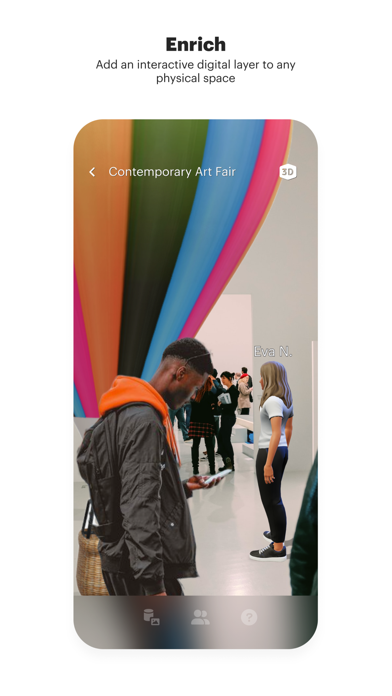
ENRICH
Add an interactive digital layer to any physical space
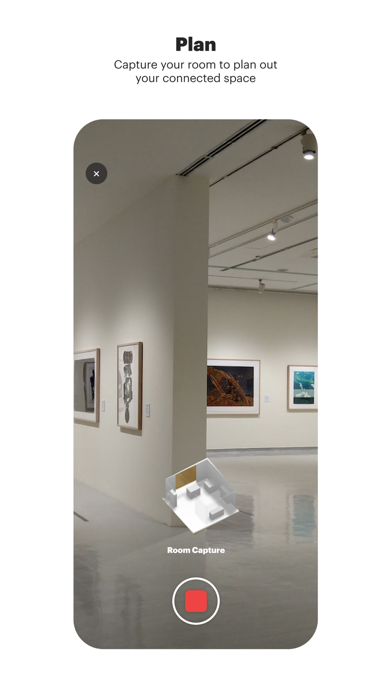
PLAN
Capture & upload your room to map out a connected space
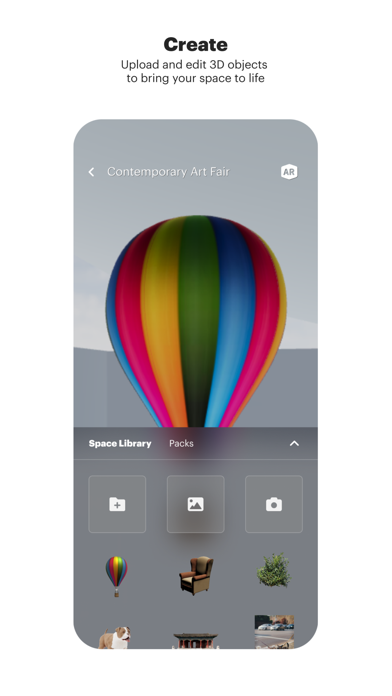
CREATE
Upload & edit 3D objects to bring your space to life
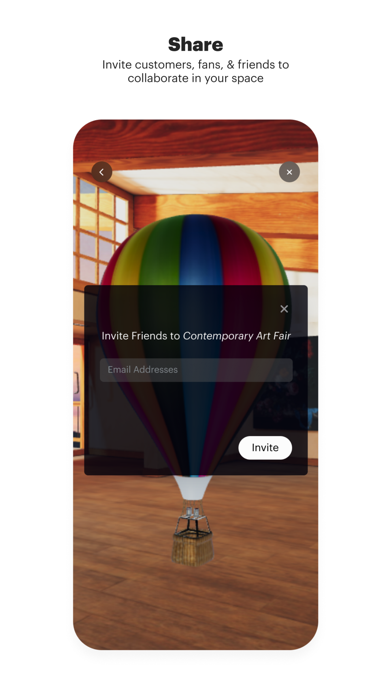
SHARE
Invite customers, fans, & friends to collaborate in your space
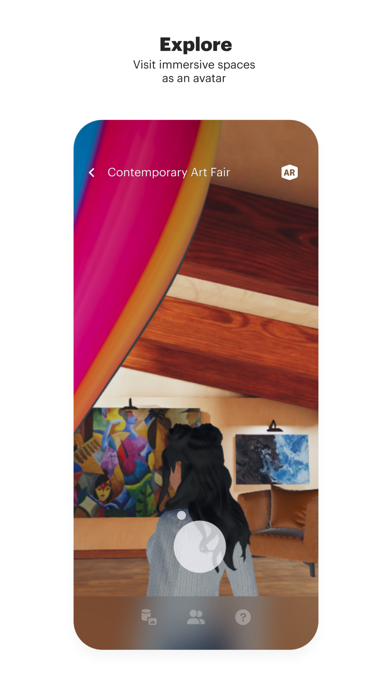
EXPLORE
Visit immersive spaces as an avatar from other creators worldwide
CONNECT
Engage directly with others in real-time, no matter where they are
OKO is optimized for the following devices: iPhone 12 and higher, iPad Pro 12.9-inch (4th generation) and higher, iPad Pro 11-inch (2nd generation) and higher.
What's new (v1.49.0)
What's New:
• Navigation Upgrade: We’ve added a brand new right-hand navigation menu to the in-space UI to help you get around more easily.
• New User Welcome: We’ve implemented a new FTUE (First Time User Experience) display system to help newcomers find their footing.
• Clearer Feedback: If an asset or a thumbnail fails to load, we’ll now give you much more helpful information about what went wrong instead of leaving you guessing.
Bug Fixes:
• Smooth Move: We’ve improved the feel of zooming and pinching in single finger locomotion mode to remove that "sticky" feeling when rotating your view.
• Space Transitions: We fixed a crash that occurred when jumping between the spaces list and the space details page.
• Blink and you’ll miss it: We resolved an issue where disabled GLB assets would briefly flicker into existence when you first entered a space.