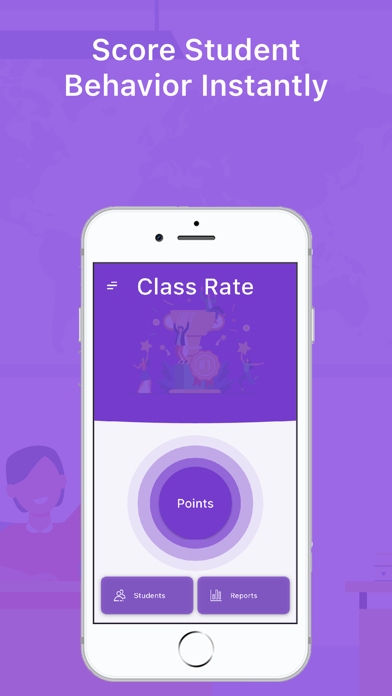
- WHAT IT DOES -
* You can create scoring criteria for your courses
* You can score students based on criteria
* You can assign tasks or homework to students
* You can create seating plans or task schedules
- WHAT CAN'T -
* Cannot be used as corporate
- HOW TO USE -
* Import student information into the app
* Select students on the scoring screen and create lessons
* Create criteria and tasks on the lesson screen
* Rate positive and negative behaviors
* Report results
- WEB INTERFACE -
* You can do reporting via https://classrate.top
- HELP -
* You can send a message from the help tab under the main menu on the main screen in the application to convey all your opinions and suggestions or ask questions.
* You can review the tutorials by clicking the assistant button next to the screen
- PAID FEATURES -
* If you pay, you can have unlimited use without restrictions during the subscription period.
* When you first install the application, you have the right to score 50+5 criteria and 50+5 missions.
* You have to wait 5 minutes or watch ads after every 5 points when your rights expire
* Free use has restrictions on the use of tools
* You can't watch more than a certain number of ads or score within certain times
- FEATURES -
* You can transfer student lists to excel or from excel to application
* You can create student lists
* You can create courses by selecting the students you want from the student lists
* You can add criteria to courses
* You can give students pros and cons based on criteria
* You can score the positive or negative behaviors of all students collectively.
* Student score is calculated instantly after each plus and minus given
* You can give students homework or tasks
* You can adjust the scores of the missions as you want
* You can include the tasks in the student score by scoring them
* You can randomly select students during the lesson
* You can report student scores in PDF or Excel format
* You can create seating plans
* You can create a duty or duty schedule
* You can randomly select students