Description
Clipboard Helper:
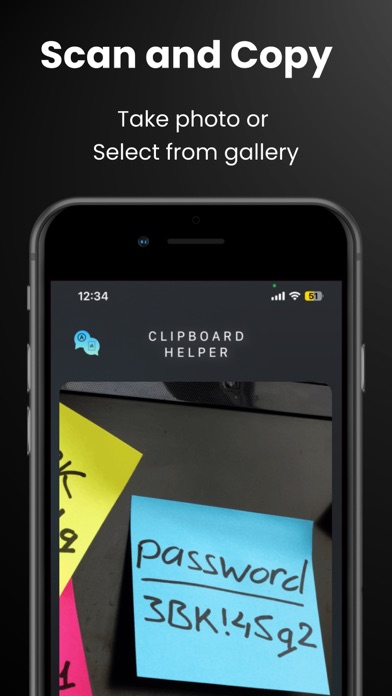
Detect and extract text from images in seconds — whether using your camera or gallery. Copy Assistant supports 5 major alphabets (Latin, Japanese, Korean, Devanagari, and Chinese), making it ideal for multilingual use.
Seamlessly copy detected text to your phone’s clipboard with a single tap. All copied items are saved automatically and accessible from your text history, where you can:
* Easy to Copy Clipboards
* Edit and merge multiple copied texts
* Favorite important entries
* Instantly copy again when needed
Designed to be lightweight and powerful, Copy Assistant is your daily productivity companion for OCR and quick copy-paste workflows.
Key Features:
* Real-time text recognition via camera
* Image gallery OCR support
* Clipboard integration
* Multi-language alphabet detection (Latin, Japanese, Korean, etc.)
* Copy history with editing and favorites
* Merge and manage copied texts easily
Perfect for students, professionals, travelers, or anyone who deals with text on the go.
What's new (v1.5.7)
Clipboard Helper – Your Smart OCR & Text Management Tool
Effortlessly capture and manage text from images using Clipboard Helper. Whether snapping a photo or importing from your gallery, the app quickly recognizes and extracts text in multiple scripts—including Latin, Japanese, Korean, Devanagari, and Chinese.
Save time with one-tap copy to clipboard and keep track of everything you’ve copied with an organized text history. You can favorite, edit, merge, and re-copy content in seconds—perfect for multitaskers and productivity enthusiasts.