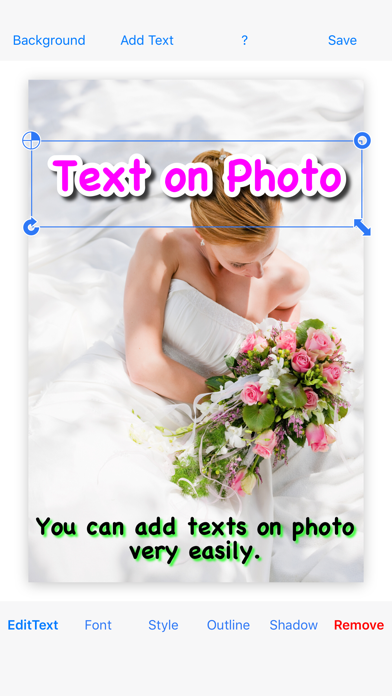
◇ Text on Photo lets you add multiple decorated texts to your photos—quickly and easily.
◇ This is the paid, ad-free version.
◇ Features
- Many different fonts
- Add multiple texts on one photo
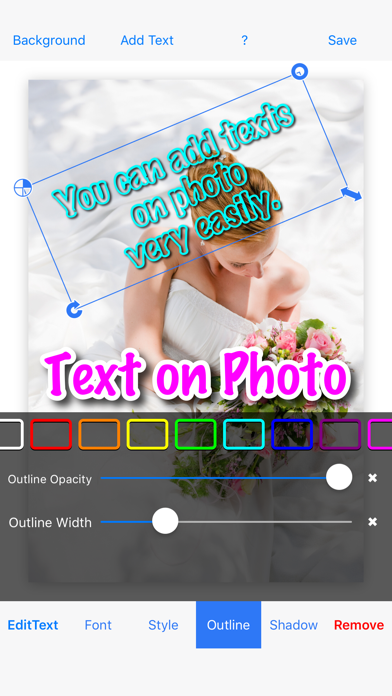
- Add an outline
- Edit shadow
◇ How to use
1. Tap “Background” to add a photograph
2. Tap “Add Text” to add a text
3. Edit the color/style, font size, and font name
4. Add an outline to the text
5. Resize, rotate, and move the text
(Repeat steps 2–5 as needed)
6. Tap “Save”