Users can capture image using camera, gallery & Files.
Users can save hit blur effect photo in saved files.
Users can delete and share saved blur effect photos.
Transform your photos with stunning blur effects using Touch Blur! Whether you want to blur the background, faces, or the entire image, this app makes it simple and intuitive. Perfect for enhancing portraits, adding depth to landscapes, or creating artistic effects.
Key Features:
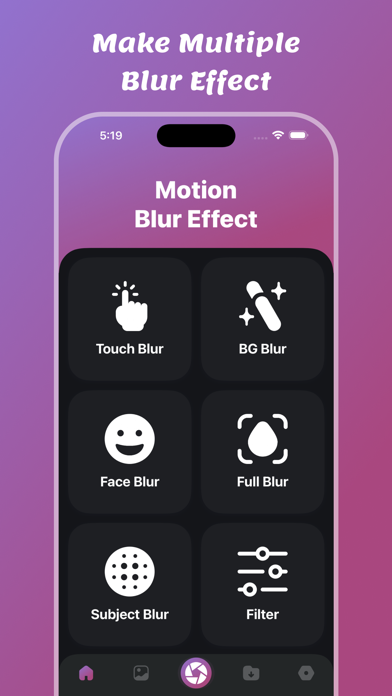
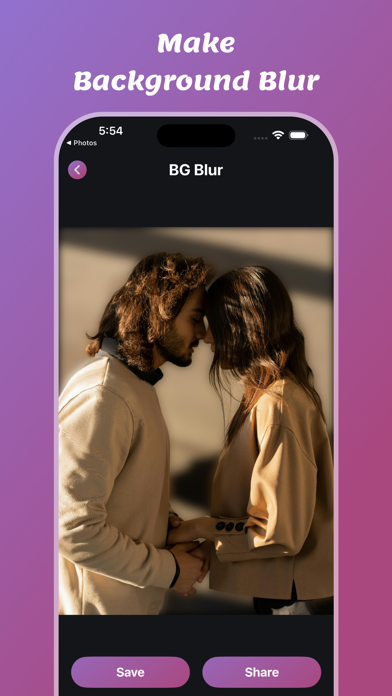
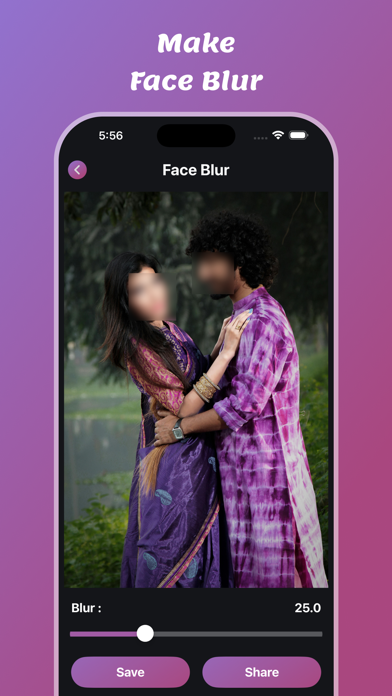
- BG Blur Effect – Blur the background while keeping the subject in focus. - Background Blur Effect – Create a professional DSLR-style background blur. - Face Blur Effect – Hide faces or sensitive information with a smooth blur. - Full Blur Effect – Blur the entire image for aesthetic or privacy reasons. - Subject Blur Effect – Focus on the background while blurring the main subject.
Features:
- Make good blur effect to your photos
- There are also ready-to-listen preset mixes.
- Use multiple motion effects
- List of all your saved photos
- Delete your saved photos
- Share and Save your updated photos.
Blur Effects:
- Touch Blur Effect
- BG Blur Effect
- Background Blur Effect
- Face Blur Effect
- Full Blur Effect
- Subject Blur Effect
- Filter Image
- Make Font to Images
- Crop photo
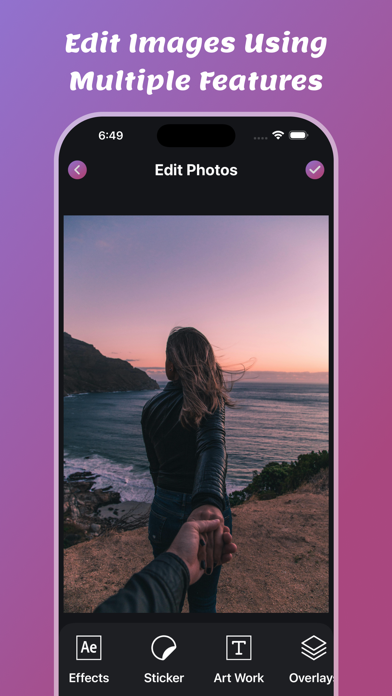
- Edit Images
- Add Stickers
- Add TextArt
- Add Background Overlays
- Make Borders
- Draw Lines
- Share & Save Photos