Description
Amazing Features in Font Maker: Create Your Font app:
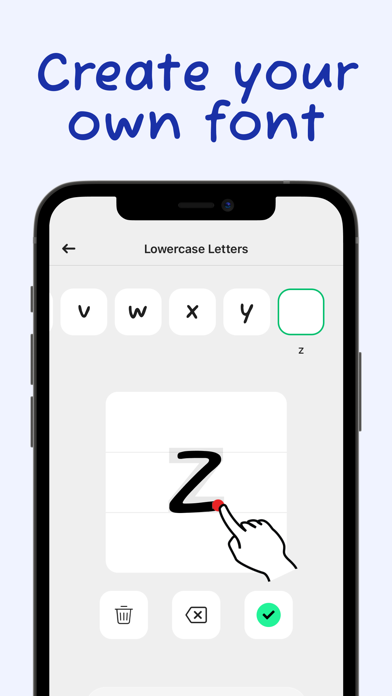
- Create & Save Forever: Design your handwriting fonts and save them permanently.
- Multilingual Support: Supports 40+ languages and alphabets. Find your own alphabet easily.
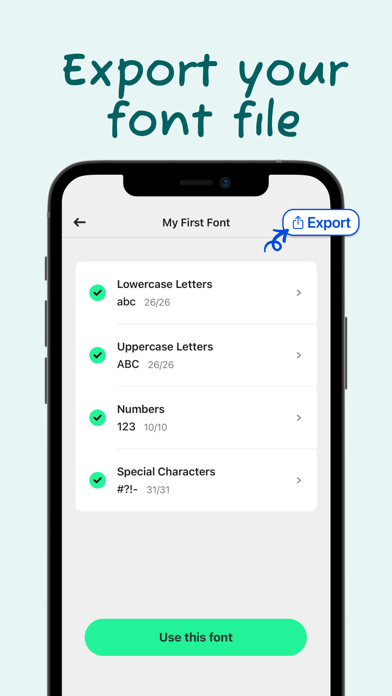
- Complete Character Set: Add lowercase, uppercase, numbers, and special characters for a comprehensive font.
- Export as .TTF: Export your font as a .TTF file and use it directly in any desktop or mobile app like Word, PowerPoint, and other design apps.
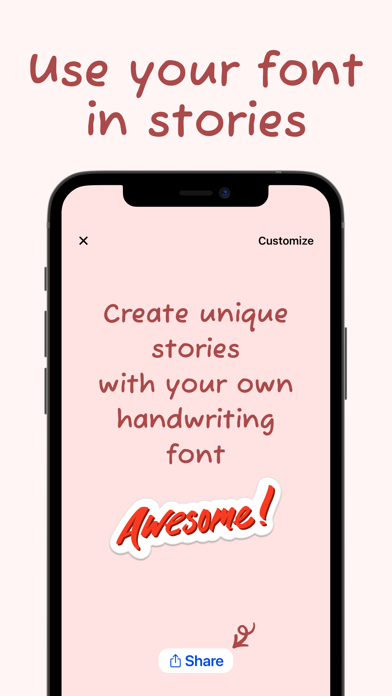
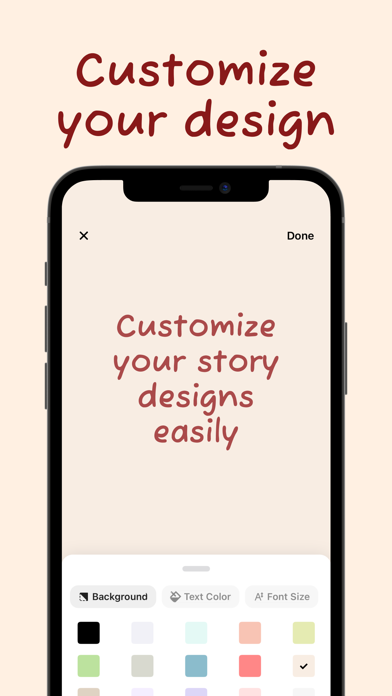
- Customizable Designs: Create amazing stories and posts, customize your design, and share them on social media to stand out.
- Adjustable Thickness: Choose your font's thickness (light, medium, or bold) according to your preference.
- Template Saving: Save your designs as templates and reuse them whenever you want.
How does Font Maker work?
1. Draw Your Characters: Draw your letters, numbers, and special characters with your own handwriting.
2. Save Your Font: Tap the "Save All" button to process your drawings and create your custom font.
3. Use Your Font: Tap the "Use this font" button and write anything you want on the screen.
4. Customize Your Design: Change the background color, text color, and font size easily.
5. Share & Export: Share your design on social media or export your font file with one tap!
Font Maker: Create Your Font offers a one-time payment option for a lifetime premium membership, currently priced at $4.99 in the United States.
If you need any assistance, please contact us: support@fontmakerapps.com
Privacy Policy: https://fontmakerapps.com/docs/privacy-policy.html
Terms of Use: https://fontmakerapps.com/docs/terms-of-use.html
What's new (v5.2.0)
We're excited to announce a new update for Font Maker: Create Custom Font.
- Expanded support for additional alphabets and languages.
- Install your custom fonts directly on your device with improved step-by-step guidance.
- New font management tools: rename, delete, download, and restore.
- New Recently Deleted section for recovering removed fonts.
Thank you for using Font Maker app!