- WHAT IT DOES -
* Prevents unauthorized use of smart boards and computers in your school by students
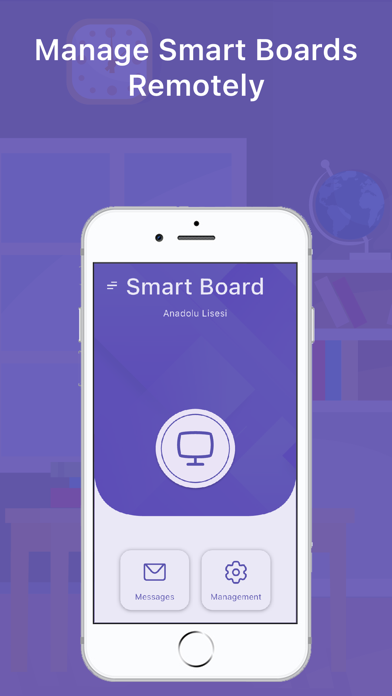
* Smart boards and computers can be opened remotely via mobile application
- WHAT CAN'T -
* Smartboards must be turned on to be managed
* The operating system of smart boards cannot be started remotely
- HOW TO USE -
* Download app and add your school
* Install the "Smart Board Desktop" application on the smart boards or computers whose access you want to restrict
* Run the "Smart Board Desktop" application you installed on the computer. You should see a QR code on the screen
* Click the add button on the smart boards screen in the mobile application
* You should see QR code reader
* Scan QR code by pointing camera at computer
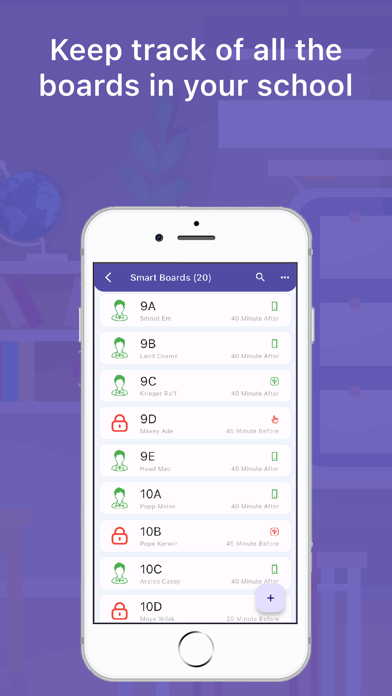
* The smart board should appear within the mobile app
* You can manage smart boards with the mobile application
- HELP -
* You can send a message from the help tab under the main menu on the main screen in the application to convey all your opinions and suggestions or ask questions.
* You can review the tutorials by clicking the assistant button next to the screen
- PAID FEATURES -
* If you pay, all devices throughout the school can perform unlimited transactions during the subscription period without restrictions
* When you first install the application, you have 100 transactions per device
* You must wait 24 hours after each transaction when your rights expire
- FEATURES -
* You can add as many users and smartboards as you want
* You can open and close the smart board locks remotely with the mobile application.
* You can turn smart boards on and off with flash memory
* You can turn smart boards on and off with instant password
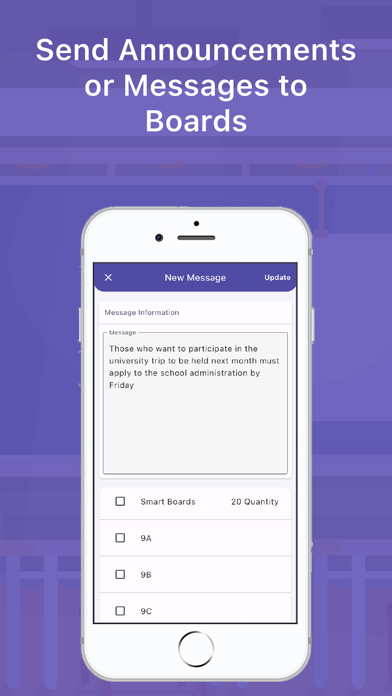
* You can send announcements and messages to smart boards
* You can turn the sound of smart boards on and off with the mobile application
* You can turn off or restart smart boards remotely with the mobile application
What's new (v2.1.1)
New Features Added
• Added the ability to open a web page on the board
• Added the ability to set the version of the board lock program
Fixes
• Edited the boards screen menu
• Fixed the time information that appeared incorrectly on the license screen