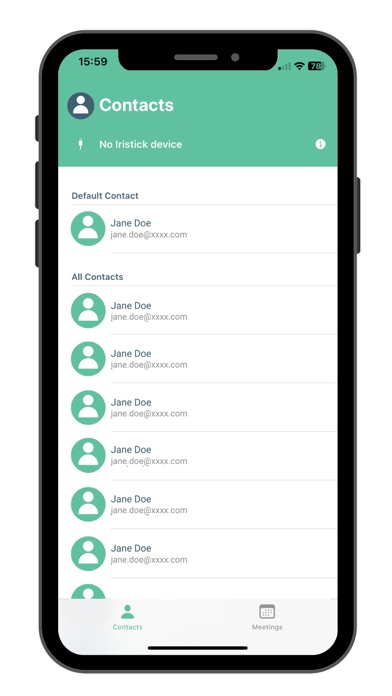
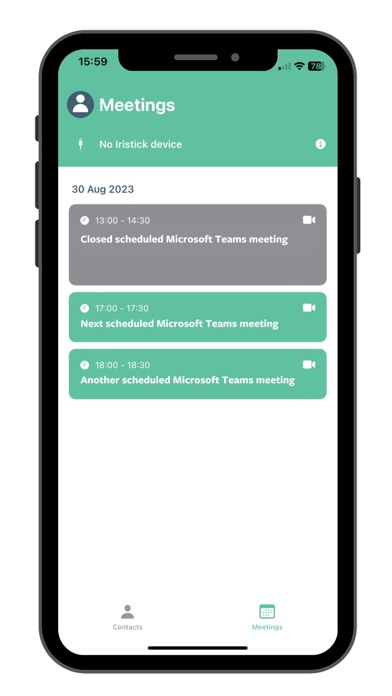
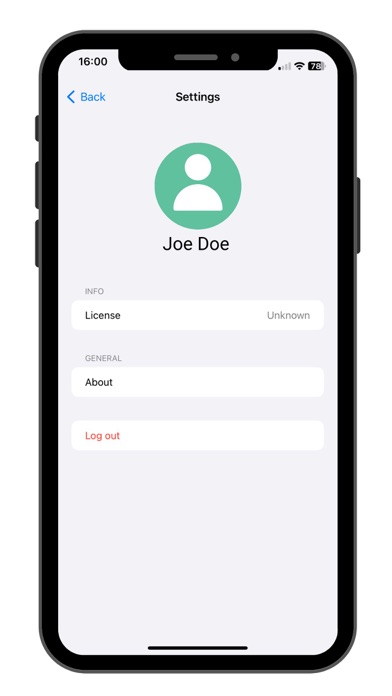
This Iristick.Teams app allows you to use your Iristick smart glasses within your company’s Microsoft Teams environment.
1. Connect your Iristick smart glasses;
2. Open the Iristick.Teams application;
3. Sign in with your company’s Microsoft Teams account;
The Iristick.Teams app uses the cameras of your Iristick to act as the webcam in a Microsoft Teams call. Using voice commands (only available on the Iristick.G2 PRO and the Iristick.H1 model) you’re able to use the app completely hands-free.