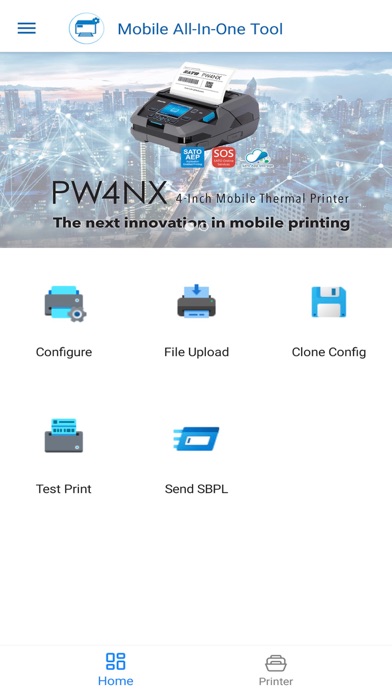
SATO Mobile All-In-One Tool is a printer utility tool to configure SATO printers* more easily and efficiently by utilizing the Wi-Fi or NFC interface. SATO printers supported to use with this tool include CL-SXR, CLNX plus, CLNX-J Plus, CT4-LX, CT4-LX-HC, HC4-LX, FX3-LX_Ln, PW2NX, PW4NX, S84NX, S86NX and WT4-AXB.
4. Create Clone
Create a printer clone from a target printer
5. Send SBPL
Send SATO Barcode Printer Language (SBPL) command to the printer to retrieve information
Note: The Bluetooth interface option is available for Apply Configuration, Test Print, Send SBPL functions.
What's new (v3.3.101)
New Features:
Added support for retrieving the printer’s default password via NFC and SATO ID AUTH. (Available to selected users only)
Enhancements:
Added a “Get Default Password” button for printer password retrieval through SATO ID AUTH. (Available to selected users only)
Bug Fixes:
Fixed an issue where CL-SXR default configurations could not be applied successfully.
Fixed an issue where switching between dark and light mode did not update the theme color correctly.