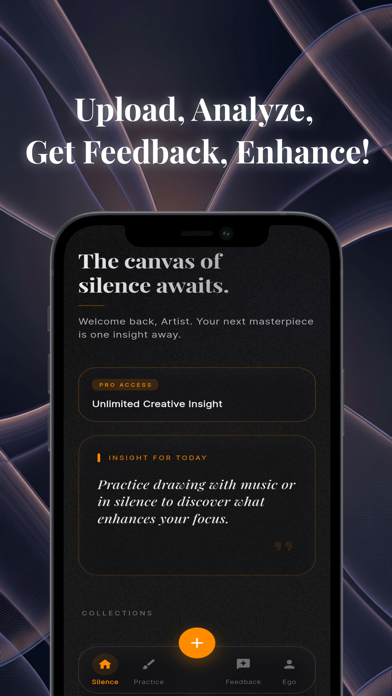
Refine your artistic vision with Coartist, the advanced AI mentor designed to provide objective, professional-grade feedback on your artwork instantly.
Whether you are a student refining your fundamentals, a hobbyist seeking direction, or a professional looking for a fresh perspective, Coartist acts as your 24/7 art critic. Bridge the gap between your current skills and your creative potential with data-driven analysis and visual aids.
KEY FEATURES
Instant AI Analysis
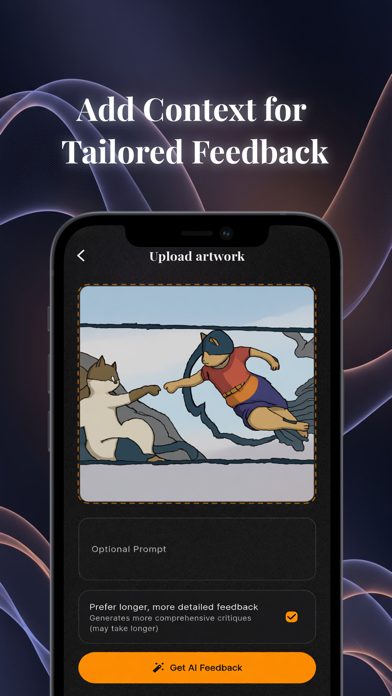
Upload any sketch, painting, or digital creation. Within moments, receive a comprehensive critique analyzing your work's strengths and areas for improvement.
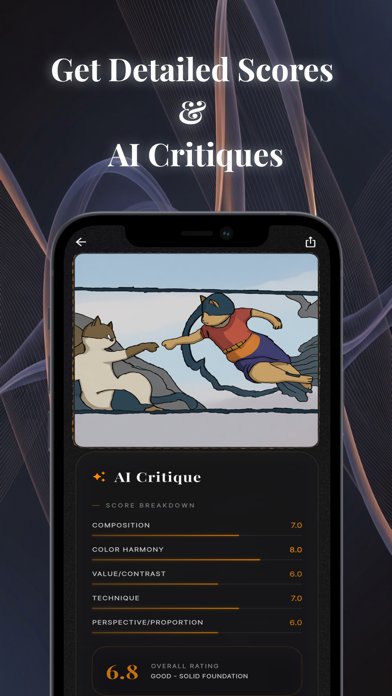
Detailed Technical Scoring
Move beyond vague opinions. Get concrete scores on the five pillars of visual art:
• Composition
• Use of Color
• Value & Contrast
• Technique
• Perspective & Proportion
Visual AI Enhancement See your potential.
Our exclusive "Reimagine" feature generates an AI-enhanced version of your artwork based on the critique. Visualize how adjustments to lighting, contrast, or composition would look in real-time.
Actionable Growth Plans
Receive specific, step-by-step advice on how to elevate your piece. Coartist doesn't just tell you what is wrong; it teaches you how to fix it.
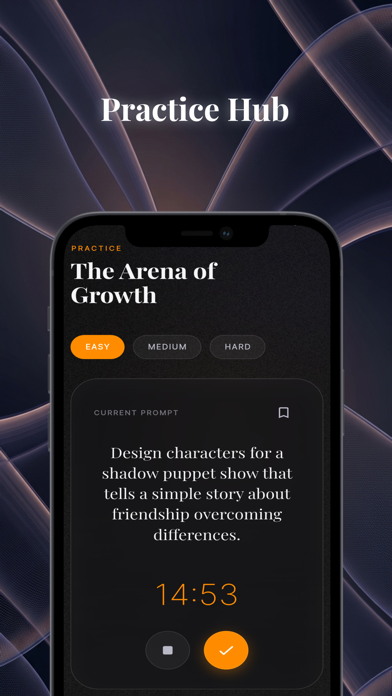
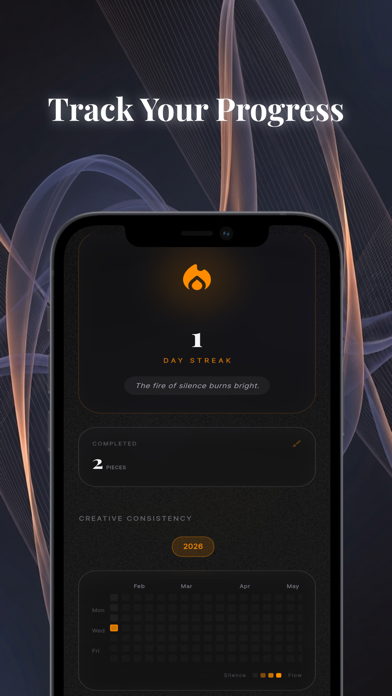
Progress Tracking Build a portfolio of your growth. Upload from your gallery or camera, save your critiques, and track how your technical scores improve over time.
WHO IS COARTIST FOR?
• Art Students needing objective, supplement feedback outside the classroom.
• Self-Taught Artists looking for structural guidance and mentorship.
• Educators requiring a tool to help students visualize improvements.
• Professionals seeking a quick "second set of eyes" to break creative blocks.
Stop guessing and start improving. Download Coartist today to accelerate your artistic journey.
Coartist Pro is available as an auto-renewable subscription.
• What you get: unlimited AI critiques, applied critique guidance, and premium image enhancement tools.
• Plans: monthly and annual options (same Pro features, different billing periods).
• Billing: payment is charged to your Apple ID at confirmation of purchase.
• Renewal: subscription automatically renews unless auto-renew is turned off at least 24 hours before the end of the current period.
• Manage or cancel: in App Store account settings after purchase.
• Terms of Use (EULA): https://www.apple.com/legal/internet-services/itunes/dev/stdeula/
What's new (v1.3.0)
Smoother recording and timelapse capture in this update:
• Improved video encoder performance for longer recording sessions
• Better memory handling during high-resolution capture
• Stability improvements across the recording pipeline
• Minor bug fixes and polish