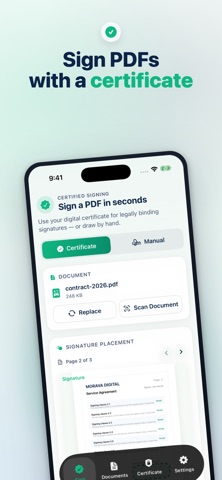
Sign PDFs on iPhone with a .p12 or .pfx certificate, or draw a handwritten signature when needed.
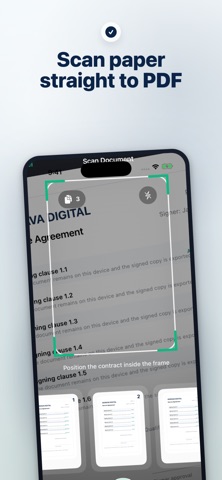
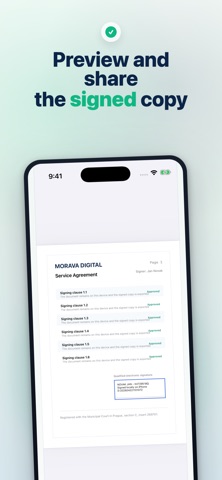
Scan paper into PDF, place the visible signature exactly on the page, unlock saved passwords with Face ID, and export a signed copy without changing the original file.
Terms of Use: https://www.apple.com/legal/internet-services/itunes/dev/stdeula/
What's new (v1.17)
Fixed: signing a PDF that already carries a signature from Adobe Acrobat, Microsoft Word or an e-signature service (compressed PDF structure) failed with “This signed PDF cannot be updated safely.” Such documents can now be counter-signed.
Fixed: an intermittent “The signature page reference could not be resolved.” error when signing larger documents.