Description
ScannerNav AI is a scanner-navigation assistant built for Collision and ADAS technicians.
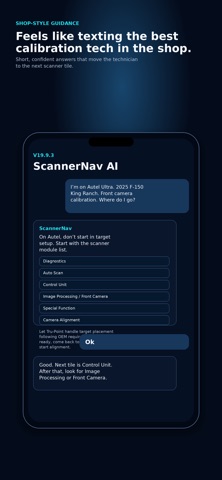
The app helps technicians move through scan-tool menus to find the correct calibration, initialization, reset, utility, or special-function routine. It is designed to feel like texting a senior ADAS calibration technician in the shop.
ScannerNav AI focuses on scanner navigation only. It does not replace OEM procedures, repair information, safety requirements, or target-placement systems.
Use ScannerNav AI to:
• Identify the scanner-side module or system family
• Navigate toward the correct calibration or reset routine
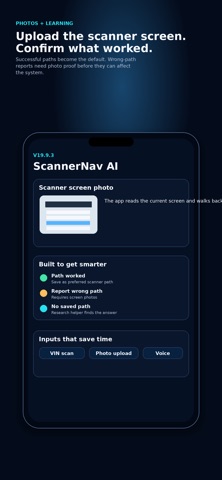
• Use vehicle, scanner, calibration goal, VIN, voice, and scanner-screen photos for better guidance
• Confirm successful scanner paths so future navigation improves
• Report incorrect paths with supporting screen photos
Tru-Point handles target placement following OEM requirements. ScannerNav AI completes the scanner-side handoff by helping the technician reach the correct scan-tool routine.
What's new (v19.9.4)
ScannerNav AI V19.9.4 adds Matco Maximus 4.0 scanner support, improves dynamic calibration guidance, and adds a module replacement flow that only appears when needed.
This update helps technicians stay focused on scanner-side navigation. If a module was replaced, ScannerNav now asks whether the original module data was saved before replacement and verifies whether the selected scanner can support programming, configuration, or as-built steps before guiding the technician there.
Dynamic calibrations are also handled more clearly. ScannerNav now guides the technician to the correct scanner module and calibration routine first, then instructs them to follow the scanner’s drive prompts and confirm pass or fail after the road test.