Writeday turns the notes you write into calendar events.
Type "lunch with Sam tomorrow at noon," hit return, and a "lunch with Sam" event appears tomorrow at 12:00 PM. No need to open a calendar app and pick a date and time.
■ Write it the way you'd say it
• tomorrow, next Tuesday, in 3 days, Nov 12, on the 20th
• 2pm, 3:30 pm, noon, at 7
• 2-4pm, next Wed-Thu, from Dec 24 to Dec 26
• Korean works too: "내일 두시 엄마와 쇼핑"
■ Repeating events in one line
Write "every Tuesday 7pm swim" or "rent every month on the 25th" and it repeats. Add an end like "until December".
■ To-dos go to Reminders
Start a line with "todo" — like "todo buy milk" — and it becomes a reminder. Check it off in the note and it's done in Reminders too.
■ Dates become links
Dates in your notes are highlighted. Tap one to jump straight to that day in the calendar.
■ Edit the note, the event follows
Edit a note and its event updates. Delete the note and the event goes with it. No duplicate events.
■ Works with your iPhone calendar
Events go into a "Writeday" calendar in your iPhone's Calendar, so you can see them in the Calendar app and on your other devices.
■ A clean slate every day
Lines that became events and completed to-dos leave your notes the next day and stay in your calendar. Tap a date in the Calendar tab to see that day's notes.
■ Home Screen widget
See what's coming up, and tap to start writing right away.
■ Make it yours
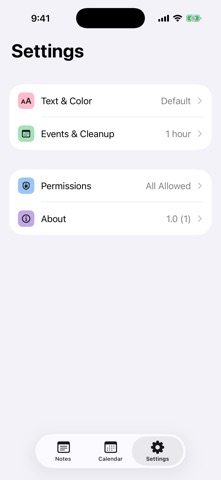
Adjust text size, pick a highlight color, and enjoy dark mode.
■ Your notes stay on your device
No servers, no accounts, no ads. Your notes are stored only on your device.