Back to deals
Mouse · Keyboard

Drop detected 7 h ago

Productivity

$7.99 Free

Mouse · Keyboard

by Remote Sunrise LTD

4.7 (2 462) v2026.44 90 MB Universal 4+

Screenshots

Price analysis for Mouse · Keyboard

$6.49 Median observed price
1 Drops detected (12 months)
-100% Biggest drop
$4.99 Lowest price

Over the past 12 months, Mouse · Keyboard has gone on sale 1 times. The biggest drop observed reaches 100% off the reference price. The lowest price ever detected for this app is $4.99.

Last drop on record: 7 h ago.

Mouse · Keyboard is exceptionally free: buy it even if you don't plan to use it right away — it stays in your Apple ID library forever.

Description

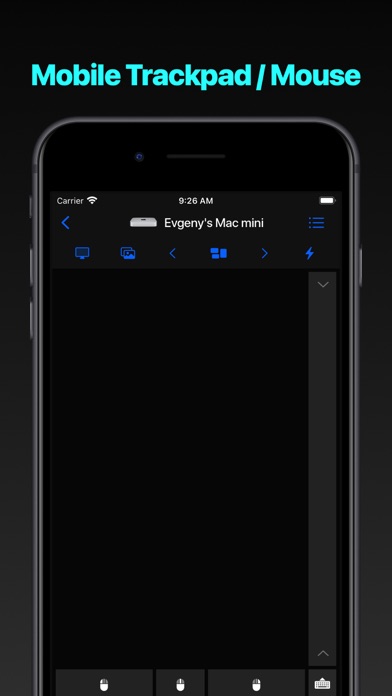
Turn your iPhone or iPad into a powerful trackpad and keyboard for your
Mac or PC. Present with confidence, browse from the couch, or answer
messages without reaching for your computer.

Why You’ll Love Input

- Feels instantly natural. Smooth, precise multi-touch tracking with
scrolling, swipes, and gestures that behave just like a real
trackpad.
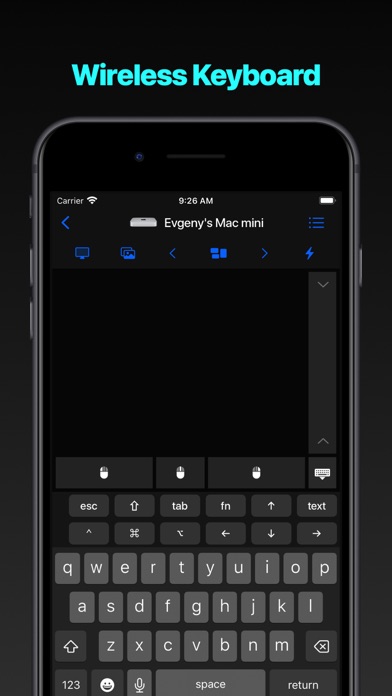
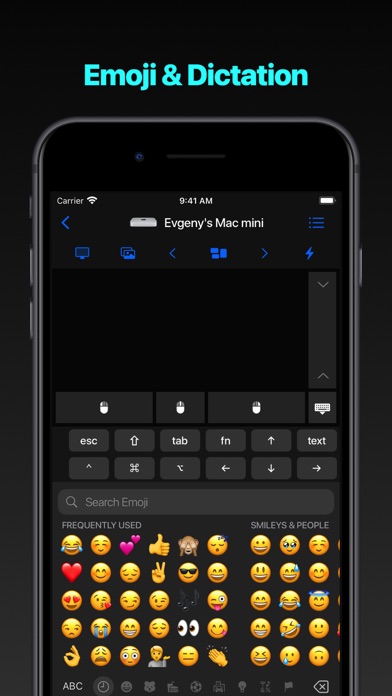
- Type comfortably anywhere. Enjoy a full-screen keyboard with text
shortcuts, emoji, and function keys—perfect for long messages or
quick replies.
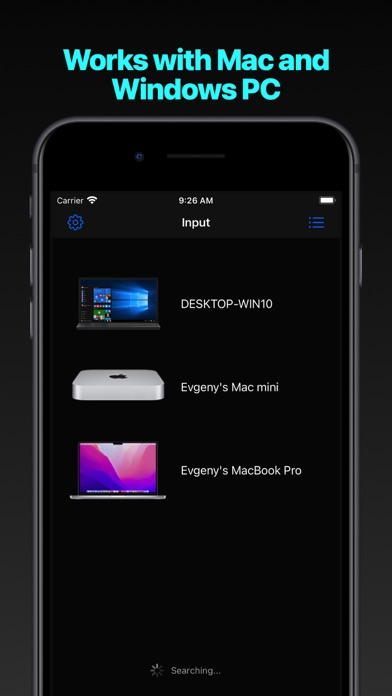
- Works with all your computers. Install the free helper on any Mac or
PC and switch between devices with a single tap.
- Built for privacy. Everything stays on your local network.
Connections use HTTPS and require on-device approval before pairing.
- Made for every moment. Landscape or portrait, light or dark
mode—Input adapts beautifully to any iPhone or iPad screen.

Quick Setup

1. Download the free helper for Mac or PC at rs.ltd/get
2. Make sure your devices share the same Wi-Fi or Personal Hotspot
3. Open Input, select your computer, and you’re ready to go

Requirements

- Mac with macOS 10.10+ or PC running Windows 7 SP1+
- Latest helper app from rs.ltd/get
- Shared network connection (Wi-Fi or Personal Hotspot); details at
rs.ltd/connect

Input turns any spot—sofa, stage, or bedside—into the perfect place to
control your computer with ease and precision.

What's new (v2026.44)

[NEW] Organize computers into rooms and rearrange them within each room using drag and drop
[NEW] Customize the Mac, PC, and iPad Input top bar with keyboard shortcuts; Mac and PC also support Live View and Take Screenshot actions
[FIX] Accessibility, persistence, and stability improvements