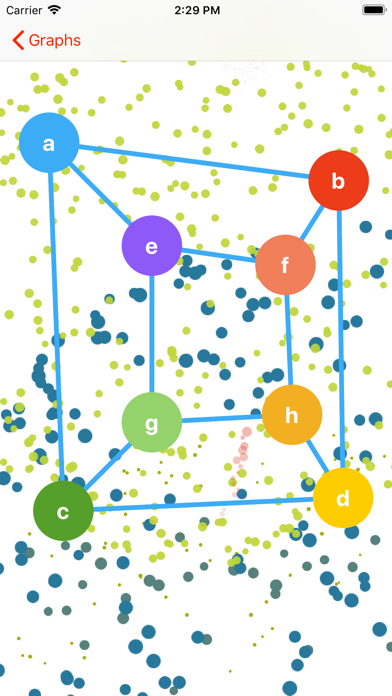
Connect points on a graph together with other points. Move them around to find isomorphic graphs. Can you find a way to make none of the lines cross?
With a custom graph, you can:
‣ Double-tap one of the colored points to delete it.
‣ Add a new point with the + button up top.
‣ Tap-and-hold on a point to select it, then tap any other point to add or remove a line between the two.
‣ Slide and glide the points around to find new ways to view your graph.
What's new (v2.0)
We're back from the dead!
‣ Select from a variety of graphs to explore. Can you untangle the edges?
‣ Graph nodes now have colors.
‣ Double-tap a point to delete it.
‣ Press-and-hold a point select it, then tap any other point to add or remove a connection between the two.
‣ Sliding and gliding physics animations added to points when moving them.